
For Realtors
Prepare professional-looking listing photos from the images you already have. Choose your edits, review the results and bring your listing together.
Explore ShootEstate for RealtorsFOR REALTORS AND PHOTOGRAPHERS.
AI photo enhancement and virtual staging for realtors and photographers.
From everyday phone photos to professional property shoots.
Choose a treatment in seconds. Processing time varies by photo and treatment.
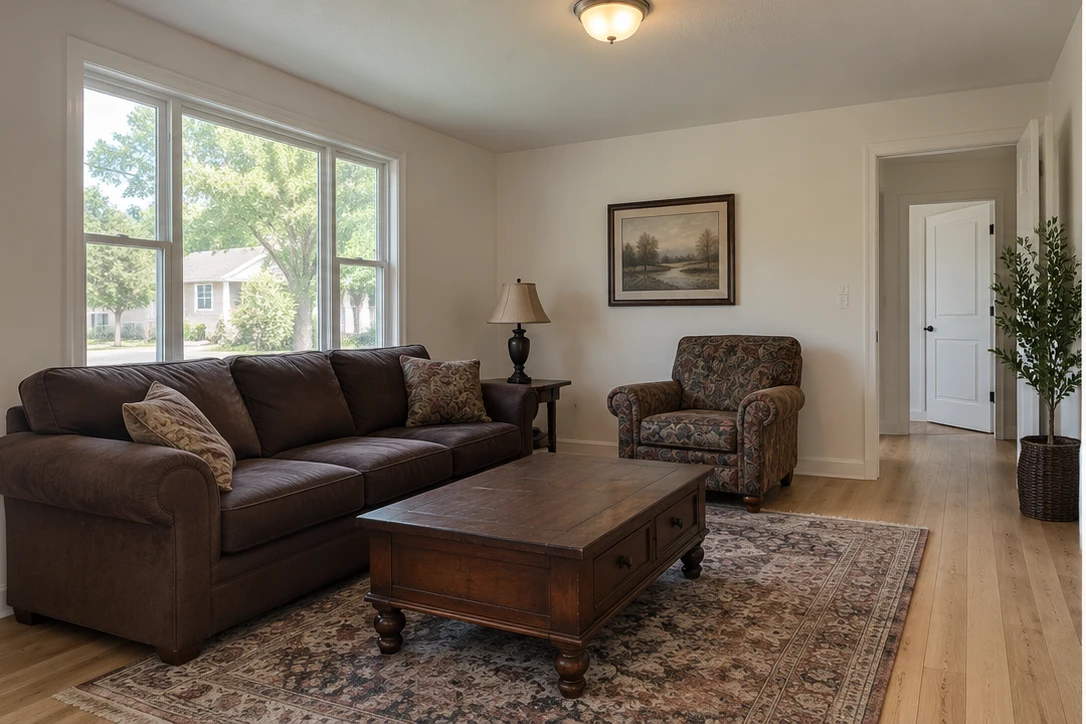
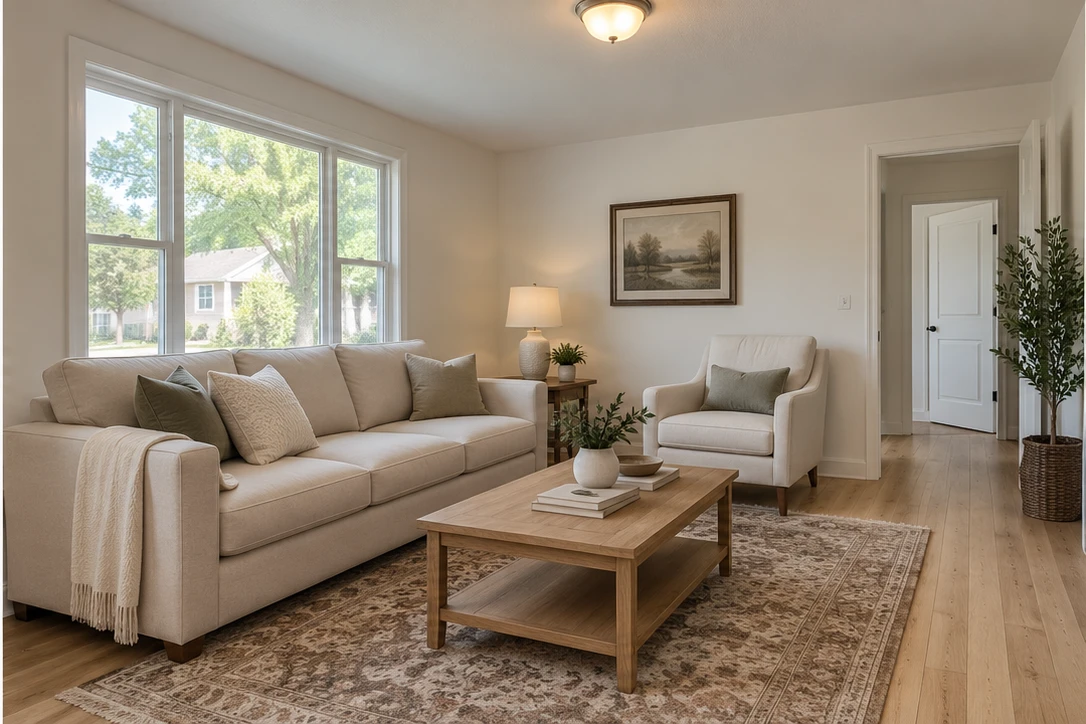
Drag the divider to see the transformation
Illustrative AI staging example.
Prepare professional-looking listing photos from the images you already have. Choose your edits, review the results and bring your listing together.
Explore ShootEstate for RealtorsReduce repetitive editing work with AI enhancement and optional virtual staging. Keep your judgement at the centre of the final selection.
Explore ShootEstate for PhotographersTWO AI FEATURES. ONE SIMPLE WORKFLOW.
A quick polish or a completely staged room.
You choose what each photo needs.
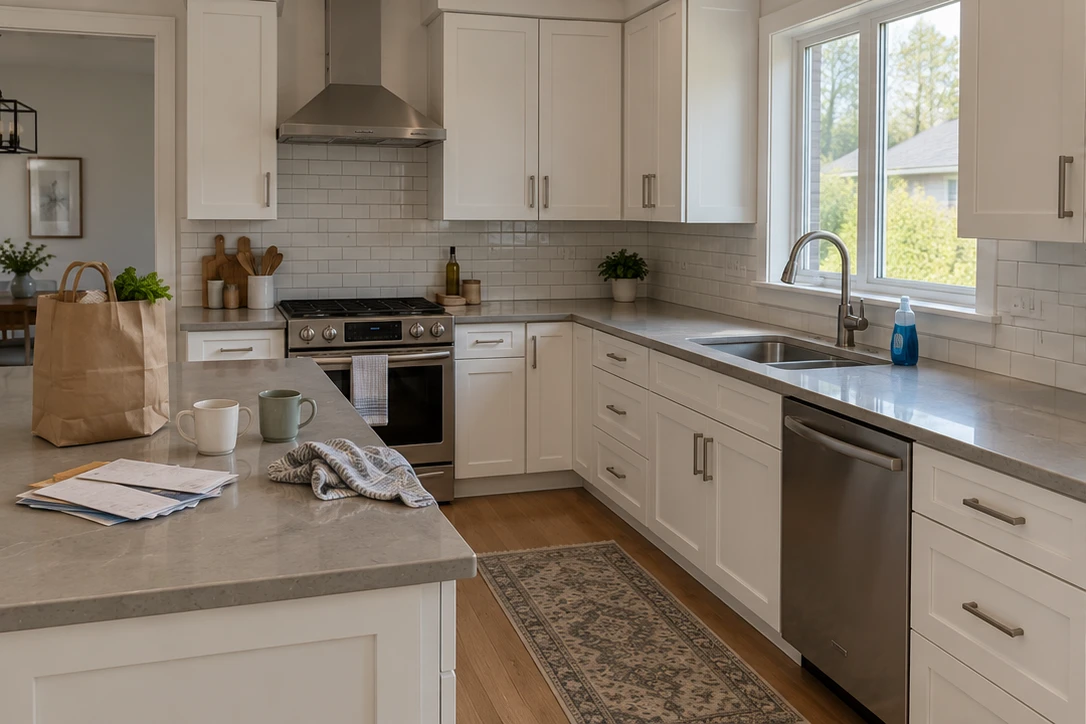
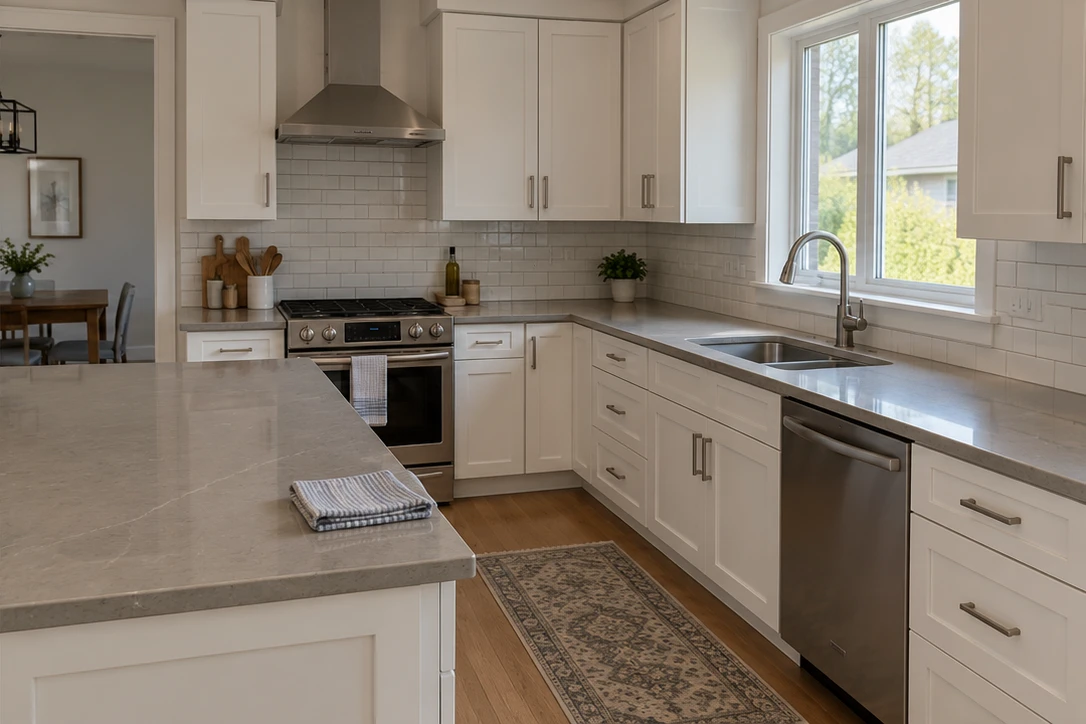
AI Tidy
Balance the lighting, polish the photo and clear everyday clutter. Give the home a fresh, cared-for finish.
Full AI Staging
Furnish an empty space or reimagine the furniture already there. Help buyers picture a home they could live in.
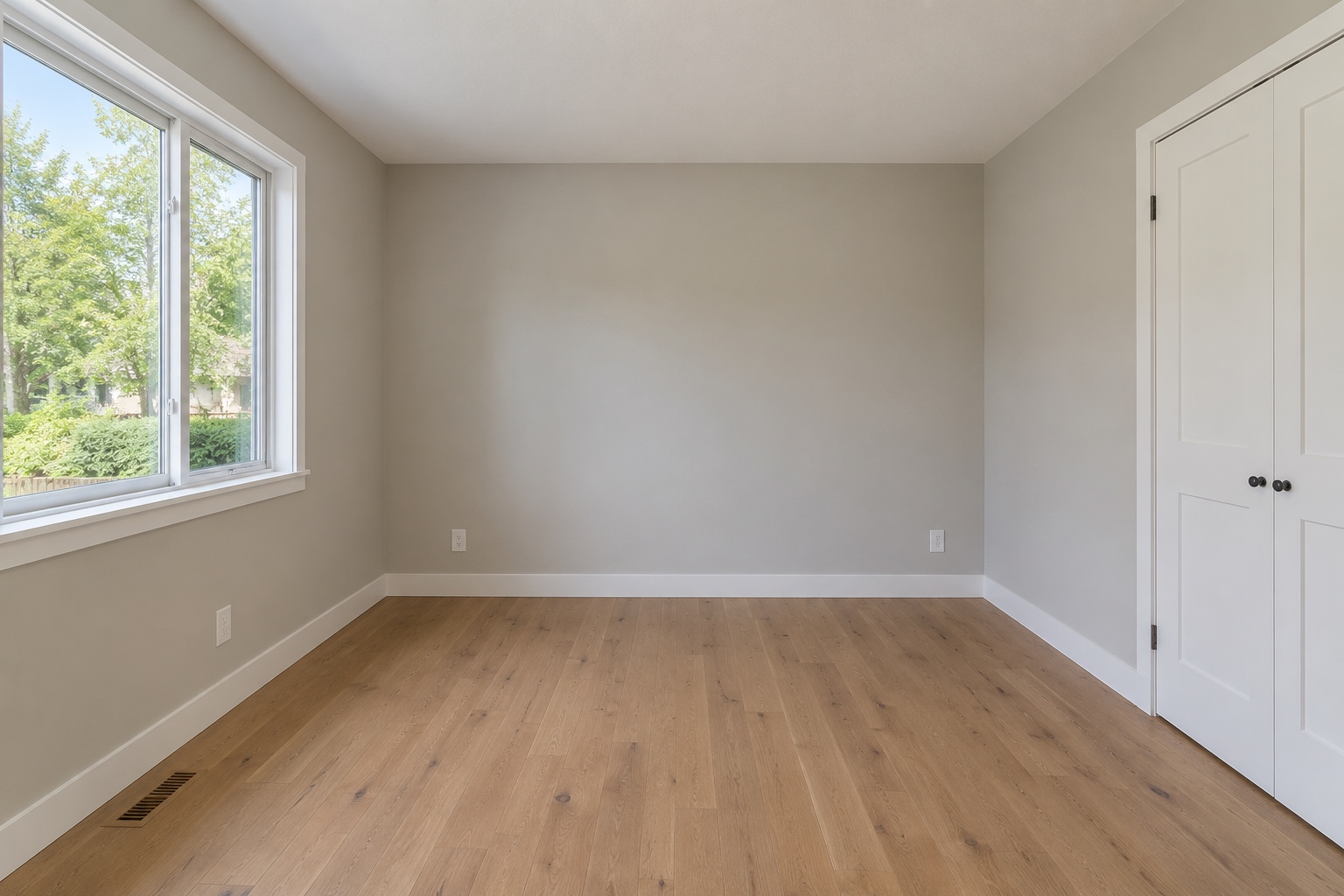
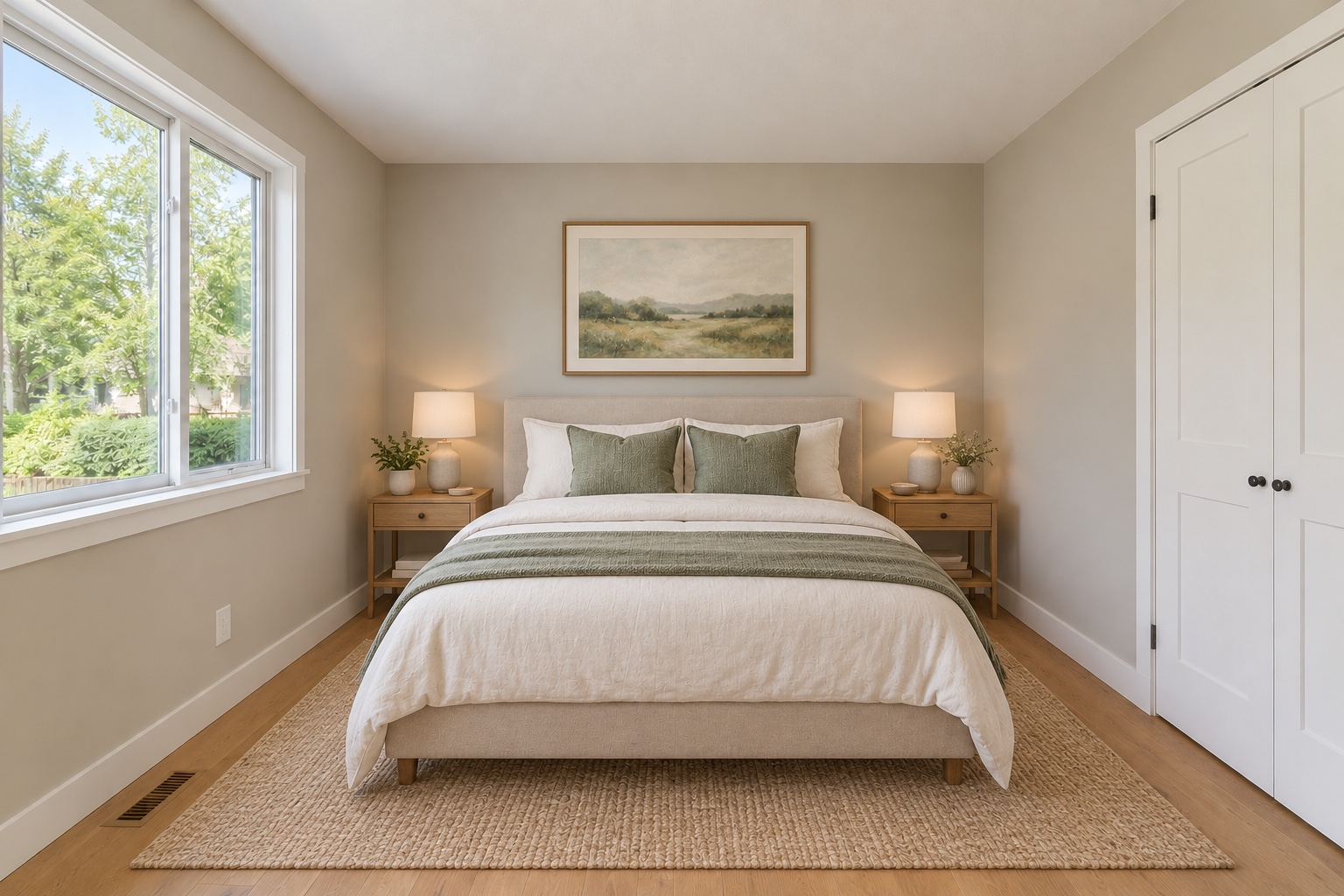
Discover ShootEstate Sphere · Preview for a look at our developing 360° room workflow. Keep your originals and review every result. Virtually staged images are labelled so buyers know what changed.
THE PHOTOS ARE ONLY THE BEGINNING.
Your photos, property details and contact information.
One polished presentation buyers can explore on any screen.
Virtually stagedVANCOUVER, BRITISH COLUMBIA
Light-filled living. Room to make it yours.
A welcoming home with calm living spaces, considered details and a place for every part of your day.Your business name and contact details keep your brand front and centre.
Large photos and clear property details keep the home easy to explore on a phone.
Your tidied and staged photos become one considered property collection.
LESS ORGANISING. MORE LISTING.
Start with phone photos or your professional shoot.
Upload, enhance and review in one place.
Capture the property with your phone or camera. Upload JPG, PNG or WebP photos.
Choose a clean, polished finish or give the room a complete virtual furnishing treatment.
Review the results. Add your property details. Prepare your photos and your beautiful listing page.
Tidy focuses on balanced lighting, natural colour and a clean, polished look, including everyday clutter. Full Staging furnishes or restyles the room with AI. Choose the treatment that suits each photo.
Yes. Take photos with your phone or upload existing JPG, PNG or WebP images. Choose Tidy or Full Staging, review the results and bring your property details together in the listing studio.
Yes. Upload photos from your property shoot, use Tidy for lighting and everyday clutter, or offer a virtually staged version. Compare results with the originals and download your selections. Clear source photos and careful review remain essential.
A reviewed photo collection and a branded property page with your images, property details and contact information. Download your selected photos to keep, or publish a shareable listing page with 12 months of hosting from first publication. Longer hosting is not included. Your purchased edit credits never expire.
The before-and-after images are AI-created illustrations of Tidy and Full Staging, not customer photos or verified outputs from ShootEstate. Results depend on the source photo. Keep originals, review changes and disclose virtual staging.

YOUR PHOTOS. YOUR WORKFLOW. YOUR NEXT LISTING.
Credits never expire · 12 months of listing hosting included
Virtually stagedVANCOUVER, BRITISH COLUMBIA
Light-filled living. Room to make it yours.
A welcoming home with calm living spaces, considered details and a place for every part of your day.