
01 · Take the photos.
Walk through the home with your phone. Open the blinds, hold it level and capture each room from a corner. Photograph the outside, too. Upload your photos together—there is no special camera app or equipment to learn.
MADE FOR REALTORS. MADE FOR YOUR PHONE.
A lived-in home. An empty room. Your next listing starts with the phone in your pocket. Take the photos or work with a photographer, choose a finish and bring the whole property together. Buy edit bundles as you need them, with no subscription.
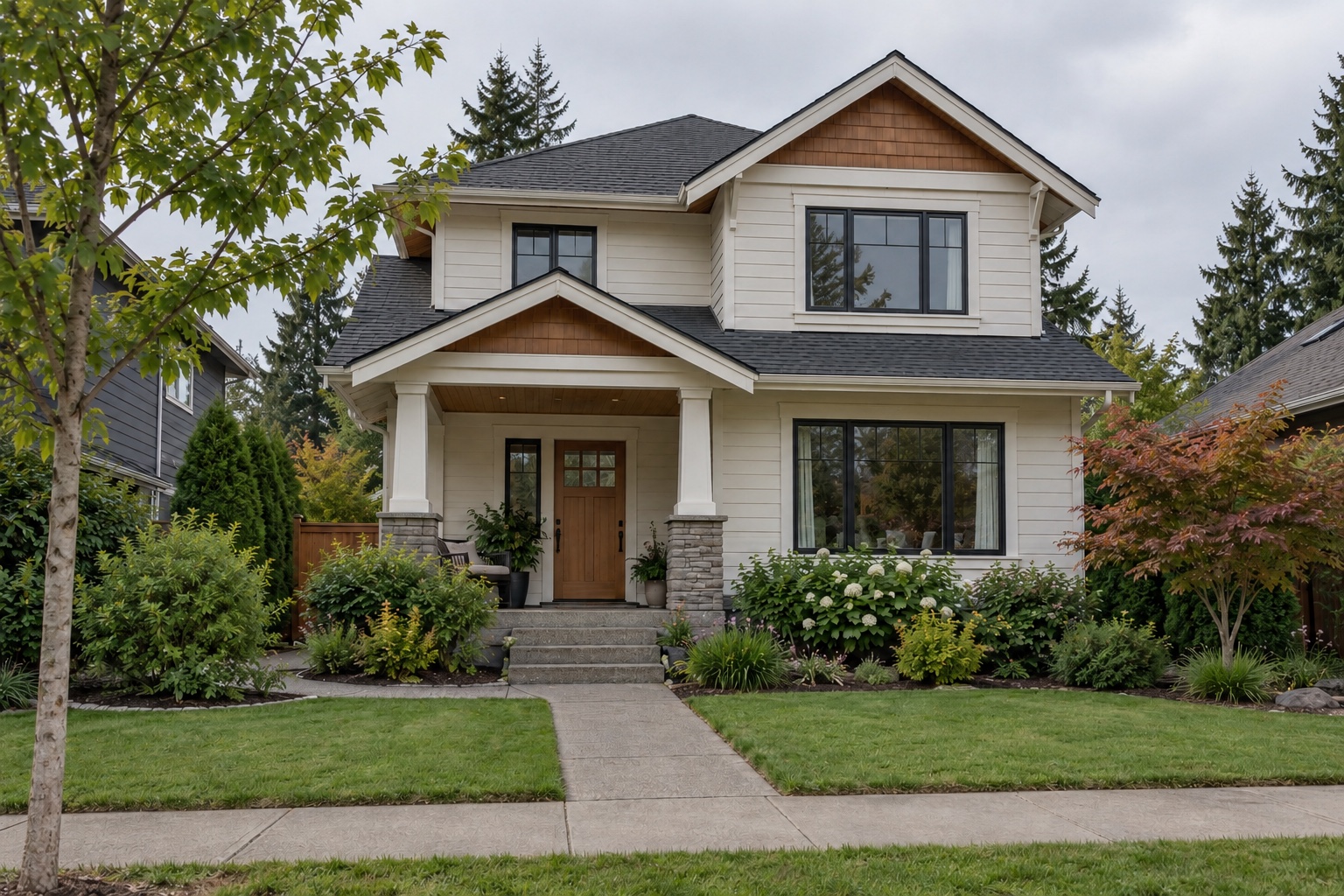

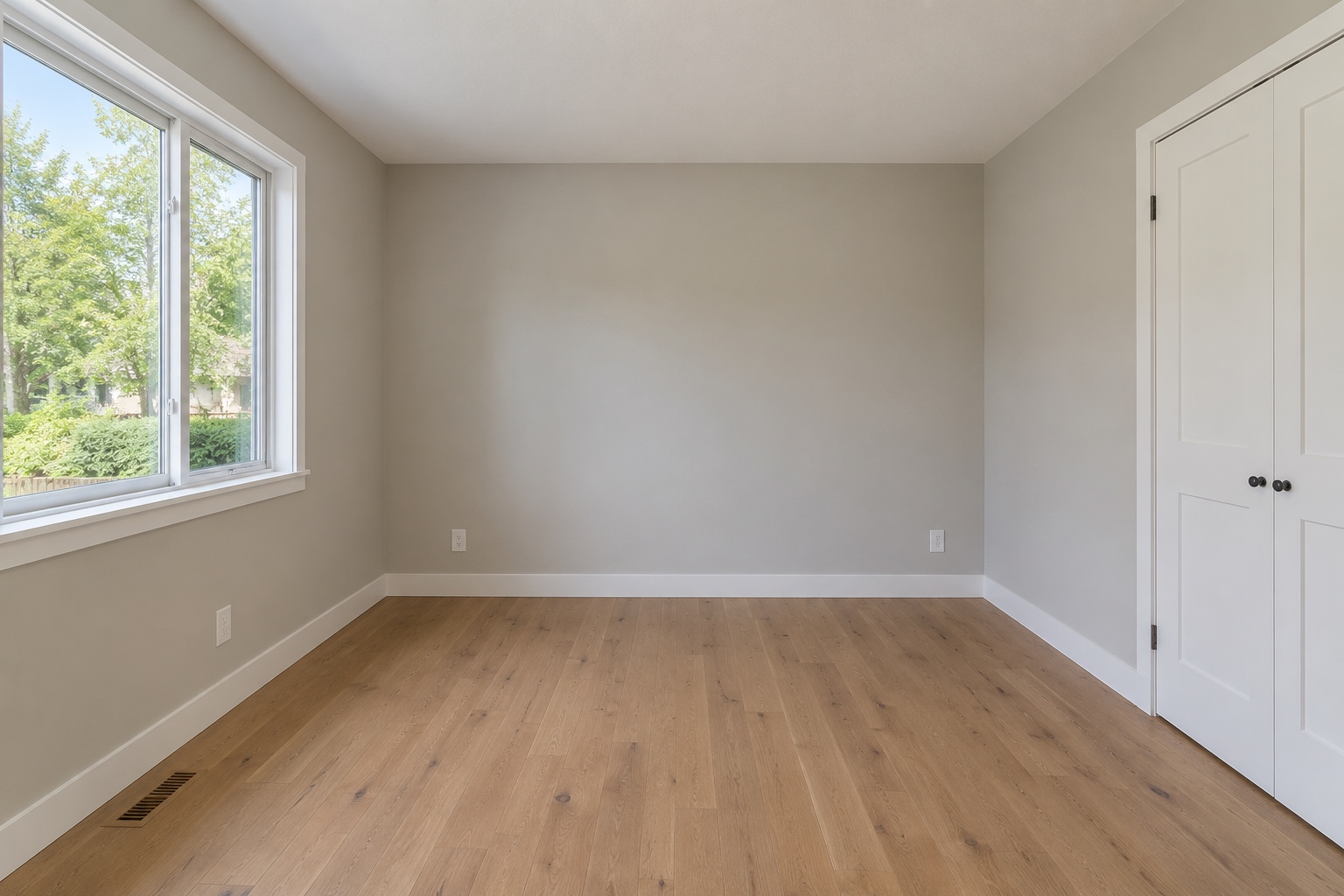
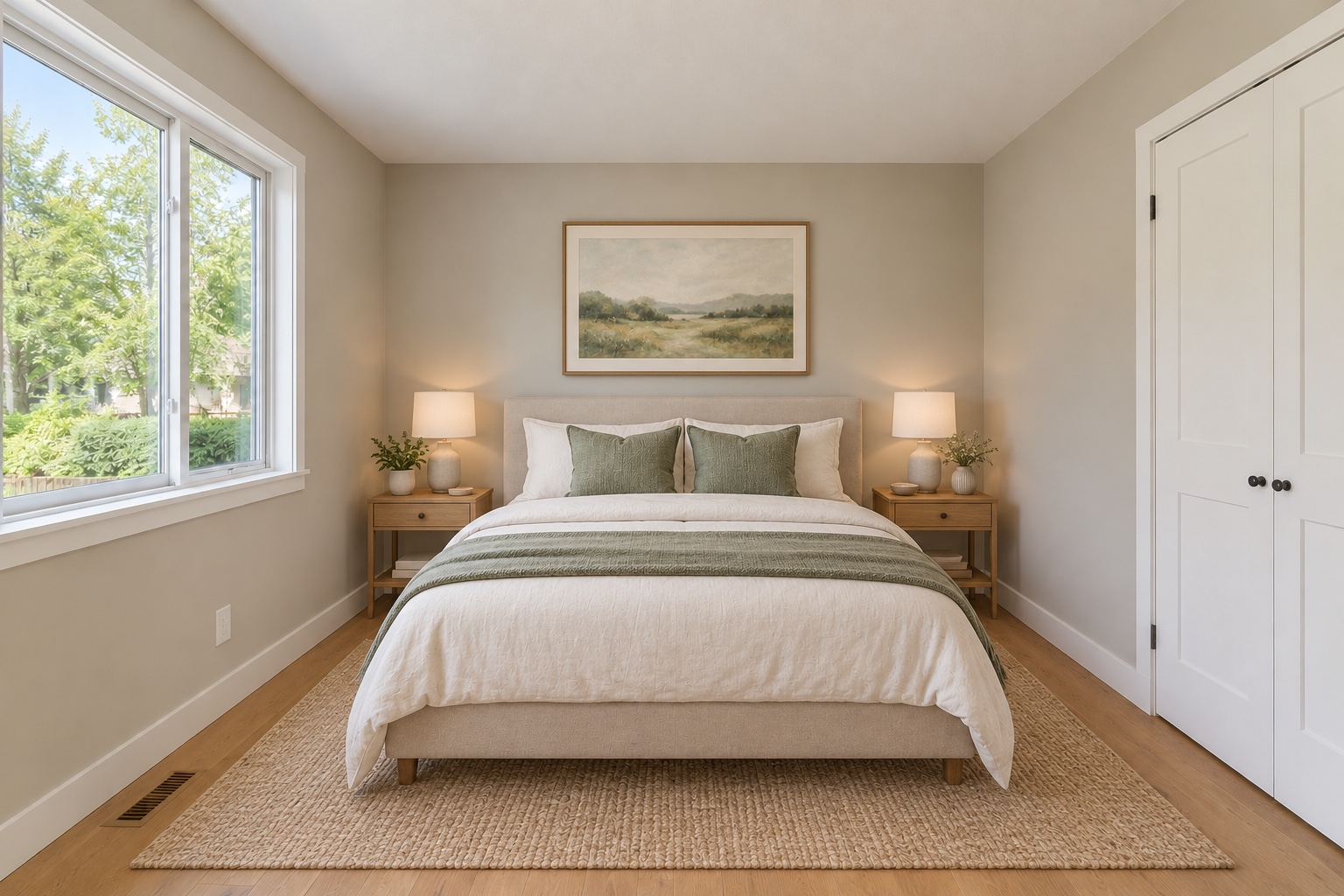
AI-created illustrations, not customer photos or verified ShootEstate results. Review every edit before use.
Walk through the home with your phone. Open the blinds, hold it level and capture each room from a corner. Photograph the outside, too. Upload your photos together—there is no special camera app or equipment to learn.
Choose Tidy & polish for better lighting and less everyday clutter. Choose virtual staging to furnish an empty room or refresh its styling. Apply Tidy across untreated photos, then compare the results and keep the versions you like.
Download one image or the whole collection as a ZIP. Add the address, price and property details, draft a description, choose a cover and share your finished listing page. Your originals remain available.
Leave the heavy editing to ShootEstate. Tidy improves light and colour, removes people and clears small movable clutter. Staging adds a possible furniture arrangement. Check the result against the actual home before using it. Permanent features and visible condition should remain accurate.
See practical editing advice in the Listing Guides.
No. Start with clear phone photos. Keep the lens clean, hold the phone level and show the room clearly. Better source photos give the AI a stronger starting point.
Yes. Tidy is for movable everyday clutter and a more polished finish. Virtual staging is for furnishing empty rooms or refreshing furniture. Neither should conceal damage or misrepresent permanent property features.
Yes. Download individual photos or a ZIP in your chosen order. A public listing page is optional.
Each Tidy, staging or written-tweak generation uses one credit. Purchased credits never expire and work across listings. Each published listing includes 12 months of hosting; longer hosting is not included.
Credits never expire. Includes 12 months of listing hosting.
Photograph properties professionally? Explore your workflow