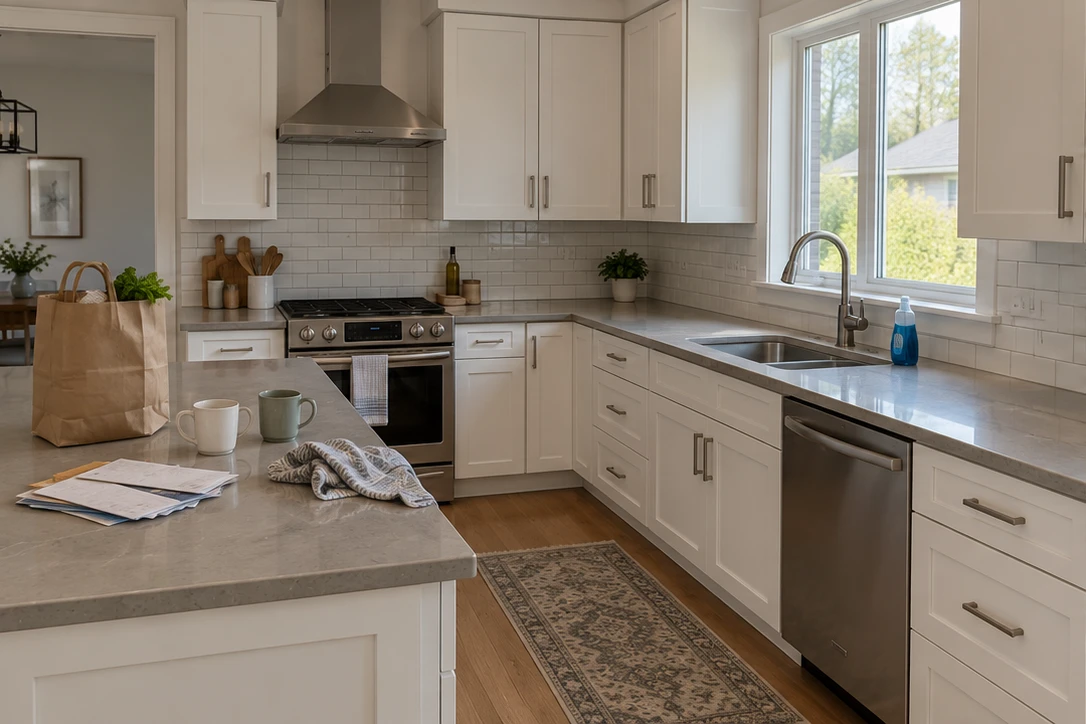
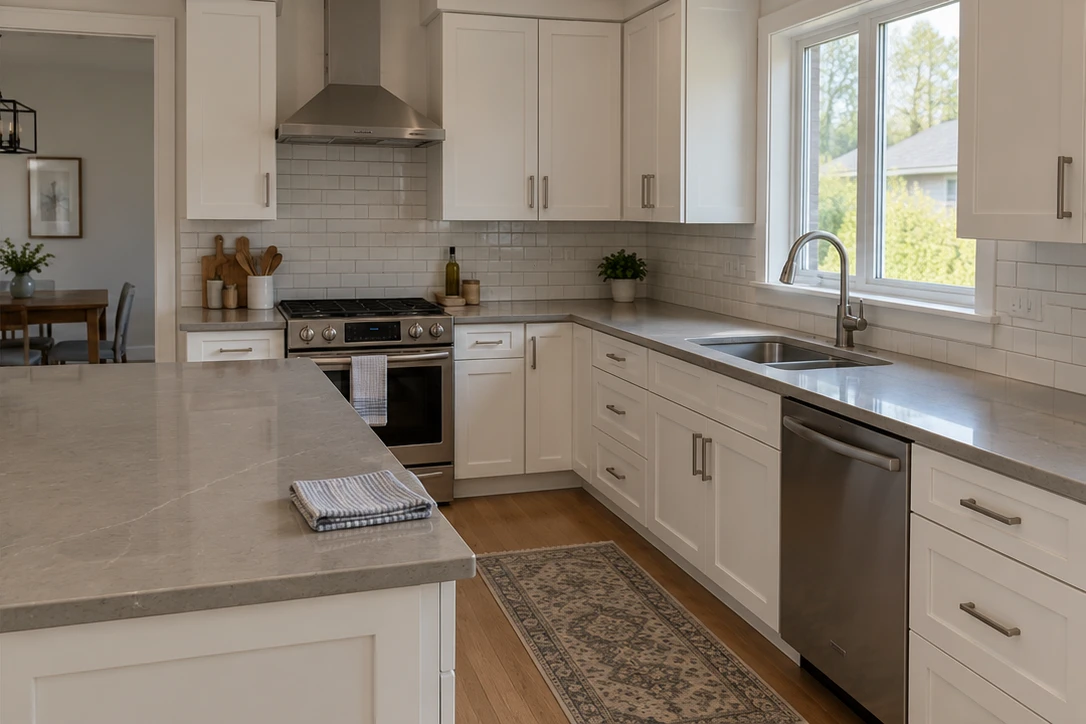
What does Tidy & polish do?
Tidy & polish is for a cleaner presentation of the existing room. It improves lighting and colour, removes small movable clutter, tidies bedding and asks the AI to remove people and their reflections. Results vary: compare each edit with the original and check that the room remains accurate.
Keep existing furniture. Choose staging for a new look.
Use Tidy when the room already has the furniture you want to show. For adding or restyling furniture, storage, art and decor, choose virtual staging. You can use different treatments on different photos within the same listing.
Take photos first, then upload.
Use your phone’s Camera app and upload several photos together. Open blinds where appropriate, hold the phone level and avoid blocking important room features. JPG, PNG and WebP are supported. HEIC conversion depends on browser support; export a JPEG copy if your photo cannot be opened.
Compare before you choose.
Open a photo in the AI studio to compare the original and edited result. Save the version you want in your listing. If it needs another adjustment, give a written direction and review the new result. Every new generation uses a credit; simply reviewing a photo does not.
Download or share the finished listing.
Reorder your chosen photos, select a cover image and add property details. Download your finished photos or publish a branded listing page. Listing hosting is included for 12 months from first publication. Longer hosting is not included, and your purchased edit credits never expire.