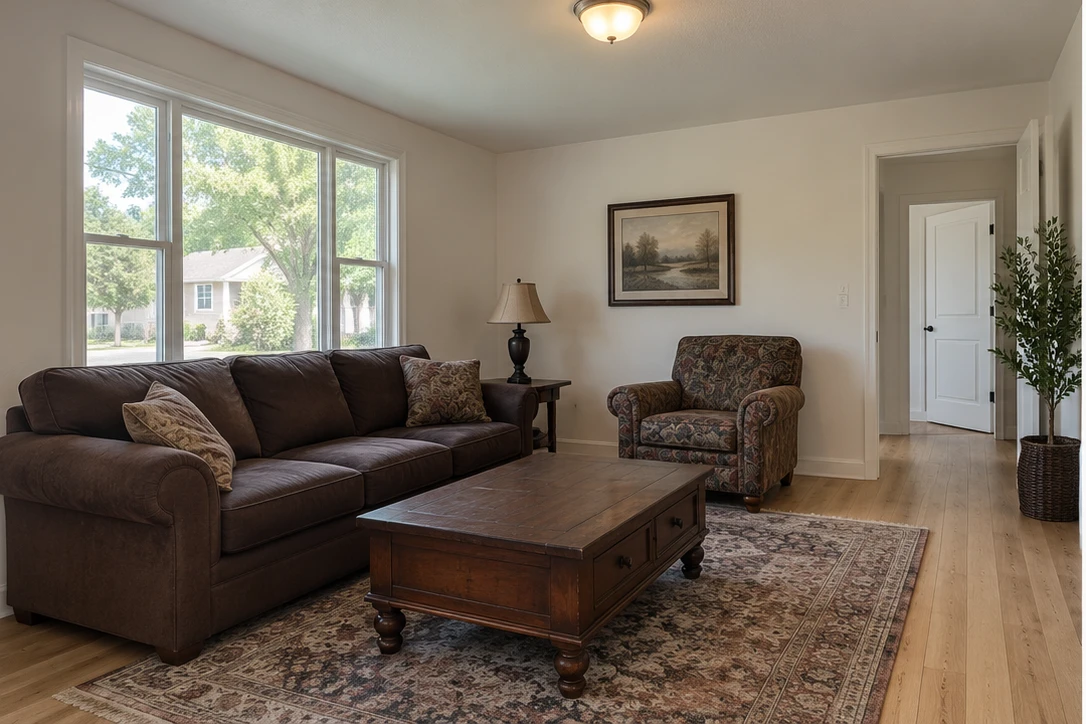
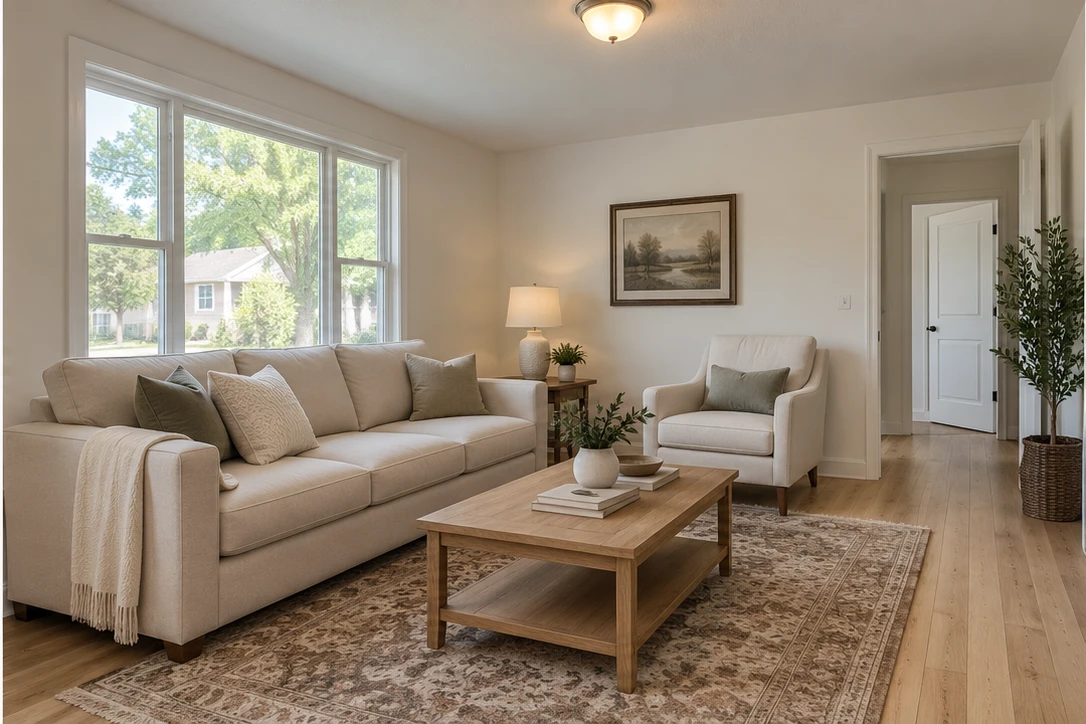
What is virtual staging?
Virtual staging adds or restyles furniture and decor in a photograph. It helps present a possible arrangement for a room without moving physical furniture. The result is a digital illustration of how the space could look, rather than a photograph of the home as currently furnished.
Furnish an empty room or refresh an existing space.
Choose virtual staging when you want to add furniture or rethink a room’s styling. ShootEstate can add or restyle furniture, storage, wall art and decor while tidying the room. If you only want better lighting and less clutter while keeping existing furniture, choose Tidy & polish instead.
Start with a clear phone photo.
Take photos in your phone’s Camera app, then upload them to your listing. Capture a wide view from a corner, keep the phone level and show the room’s permanent features clearly. Good source photos give you a stronger starting point for reviewing the finished image.
Review the details. Keep the final say.
Compare the original and staged versions. Check furniture scale, room proportions, doors, windows, fixtures and visible property condition. You can keep the original, save the edited version or generate a written tweak such as “remove the pillows.” Each new generation uses another credit.
A photo collection and a listing page.
Download your chosen images or combine them with the address, price and property details in a branded listing page. Published staged photos carry a virtual-staging label. Each listing includes 12 months of hosting from first publication; longer hosting is not included. Download your finished photos to keep your own copies.