Start with the home you have today
The traditional photo-ready routine asks the seller to finish everything before the camera arrives. A phone-first workflow changes the order: capture the rooms, upload the photographs and use ShootEstate to prepare the images. You do not need to style every cushion or clear every ordinary item just to get started.
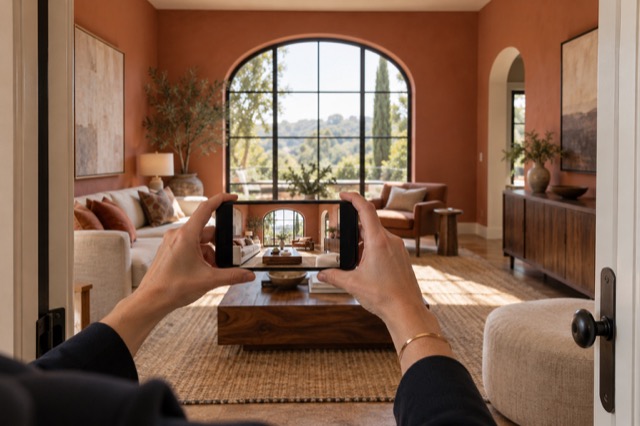
Your first job is to show the space clearly. Stand where you can see the room’s main features, hold the phone steadily and take a useful view. Everyday mess in that view can become part of the editing task rather than a reason to postpone photography.
Give the everyday mess to Tidy & polish
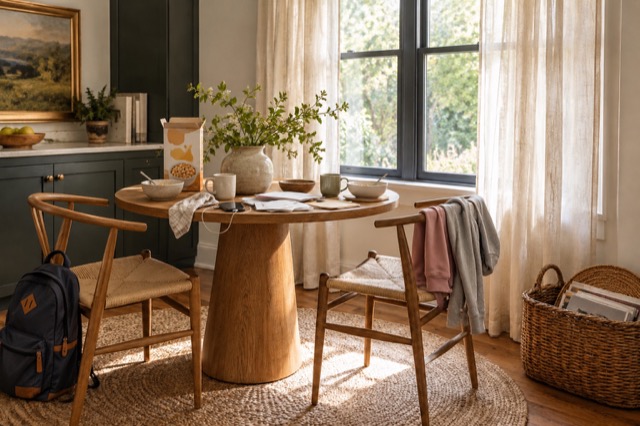
Tidy & polish is designed to handle the familiar signs of a busy home: dishes, bags, mail, laundry and loose cables. It also tidies bedding and balances lighting and colour while keeping the existing furniture. Its instructions include removing people and their reflections, as well as temporary freestanding ladders.
That is a more useful starting point than another list of things the seller must move. Upload a photo of the existing room, apply Tidy and compare the result. If the furniture already works, you can improve the presentation without planning a different furniture arrangement.
Let the photo treatment handle the everyday items


Let virtual staging handle a different look
Sometimes the issue is not the washing on the chair; it is the chair, sofa or lack of furniture altogether. Virtual staging first tidies the scene, then can add or replace movable furniture, storage pieces, wall art and decor in a coordinated arrangement. There is no physical furniture delivery involved.
Use it to show how an empty room might feel furnished, or to reimagine a furnished room whose current styling distracts from its potential. You can choose a different treatment for each image rather than committing the whole home to the same approach.
Keep the preparation that actually helps capture
A clear photograph gives you something better to work with than a blurred or obstructed one. Take the views you need and check them before leaving. If a pile completely hides a doorway or an important feature, find another angle or reveal enough of it to photograph the actual space.
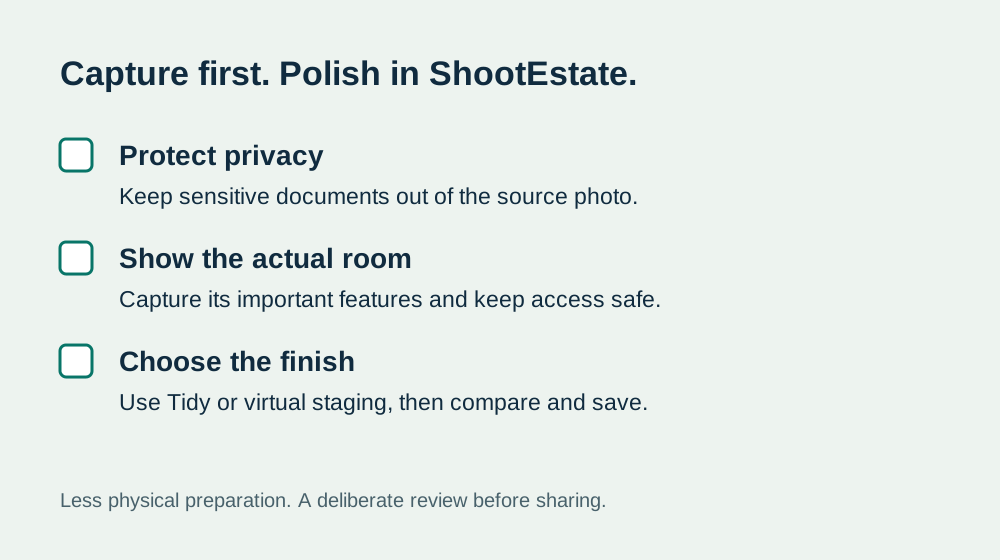
Remove sensitive documents before capture and keep access safe. Those are sensible capture decisions, not a demand for a spotless home. Physical repairs are separate from photo presentation: the finished image should still represent the property’s permanent features and visible condition.
For property managers preparing a rental listing, capture the actual condition at the time of photography and remove tenant documents or personal details before uploading. Use photo enhancement for presentation, and keep maintenance issues visible so prospective tenants can assess the home accurately.
Keep the capture visit simple
Choose the finish while you review
Open the image in ShootEstate and compare the original with the generated version. Look at the overall presentation first, then check doors, windows, fixtures and furniture scale. Save the version that serves the listing. You remain the person deciding which image is ready to share.
If you want a further adjustment, use a written direction and review the new version. Each new generation, including a written tweak, uses an edit credit; simply comparing and saving your choice does not. A specific request is easier to assess than repeatedly asking for something vaguely better.
Bring the listing together without another handoff
Once you have chosen your photos, reorder them, select a cover and add the property details and contact information. ShootEstate can turn the collection into a branded listing page, or you can download the selected photos for other channels. Staged images on its published pages carry a staging label.
The useful shift is where you spend your effort: capture the property, choose the treatment and review the finish. Let the editing workflow take on much of the presentation work that used to happen before photography. Included listing hosting lasts 12 months from first publication.
Find your photo workflow
For Realtors · For Photographers
Explore Tidy & polish and virtual staging, or check current edit bundles.
Open your studio