Replace the showroom brief with a useful-photo brief
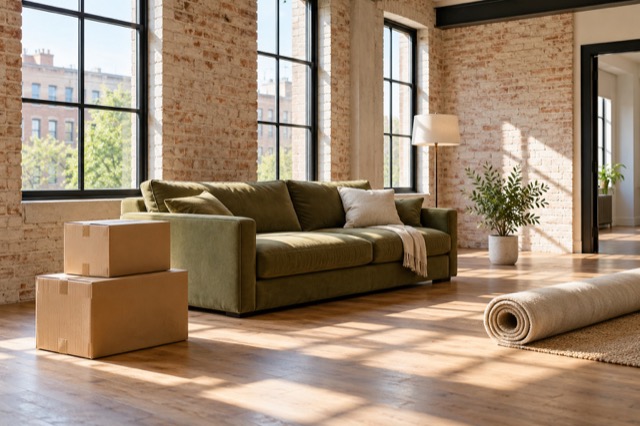
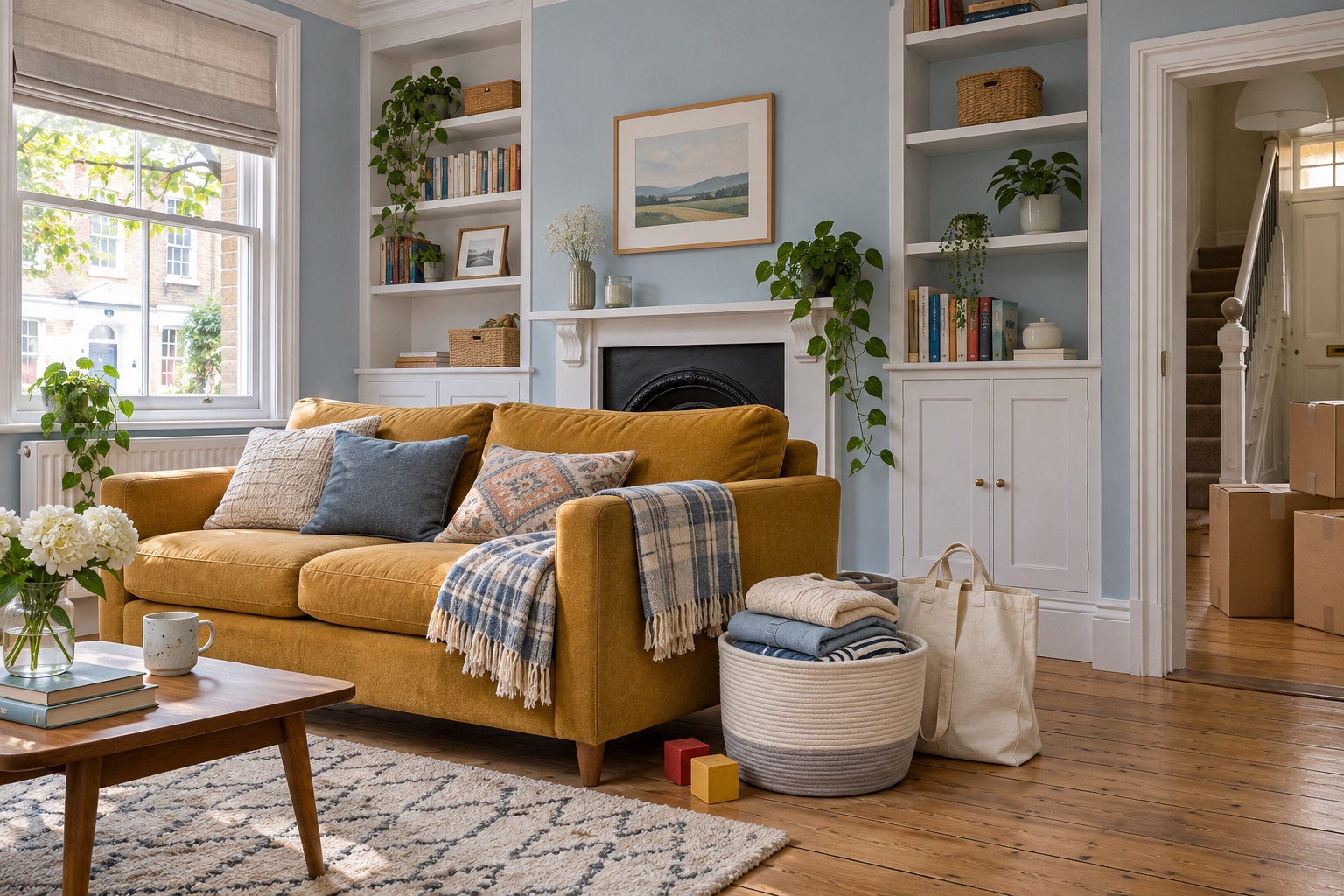
A seller packing for a move may have laundry beside the sofa, everyday objects on a table and furniture that no longer suits the room. Turning all of that into a physical staging project can make the photograph feel like another moving deadline. Start by deciding which views will explain the property, then let ShootEstate take on more of the presentation work.
Ask for access to the rooms and enough space to photograph safely. A complete decorative reset is not the starting requirement. Your source image should show the layout, openings and visible surfaces clearly enough to judge an edit. If a stack of belongings completely hides a fixed feature you need to show, take another view or expose that feature rather than expecting the editor to know what is behind it.
A lived-in room is a starting point
Keep useful furniture, or choose a different presentation
When the room arrangement already works, select Tidy & polish. Its instructions cover removing people and loose everyday distractions such as bags, dishes, mail and laundry, arranging bedding and improving light. Existing furniture and permanent features stay part of the photograph. You do not need to manually remove every everyday object simply to begin.
When the furniture itself makes the space difficult to understand, choose Virtually stage. ShootEstate can tidy the room and add or replace movable furnishings and decor, with instructions to retain the property and believable scale. This is a way to develop the listing presentation without purchasing or transporting a new sofa just for the photograph. Review the output before deciding whether it is the version to use.
Make one short pass before capture
Concentrate the seller’s effort on things that matter before an image is uploaded. Put private paperwork and personal items you do not want in the source photograph out of view, and check mirrors and reflective surfaces while choosing the angle. That is a focused privacy choice, not a request to make every room look unoccupied.
Photograph from a stable position with the phone level. Include a view that explains the entrance and major fixed features, and keep your originals for comparison. Avoid an extreme wide view that makes a tight space look larger than it is. More polished styling can come later; a clear original makes it easier to check that the finished image still represents the home.
Review the edit while the room is still fresh in mind
Open the listing, select the room photo and apply the finish that matches your goal. Check the displayed edit allowance before generating. When the result is ready, compare it with the original: have the distracting loose items been handled, does the furniture make sense, and are windows, fixtures, finishes and visible condition recognizable?
If you like the result except for a small detail, an eligible account can use Make a written tweak to request a focused refinement. For example, ask to remove the extra pillows while retaining the rest of the selected edit. A written tweak uses another edit and is intended for specific changes. It does not guarantee a full new furniture scheme or repair an unclear source photograph.
Finish the presentation without promising a different property
Choose the images that explain the home and review them together in the gallery. Keep virtually staged furnishings distinct from the actual property features in the description and review the staging disclosure workflow. Cleanup should not turn visible damage or unfinished work into an apparently repaired surface; the home’s condition still needs to be represented accurately.
Use Download edited photo for the chosen finish or include the selected images in your branded property page. If that page is already live, save the choices and use Update published listing before checking the shared link. The seller can continue living and packing in the home while you work on the presentation; your final review connects the finished photographs back to the property being offered.
Find your photo workflow
For Realtors · For Photographers
Explore Tidy & polish and virtual staging, or check current edit bundles.
Open your studio