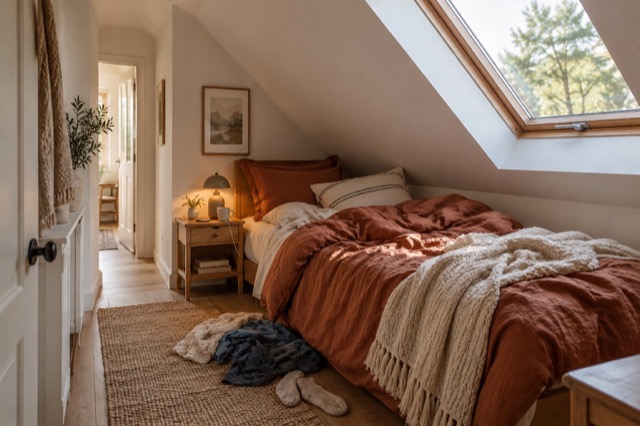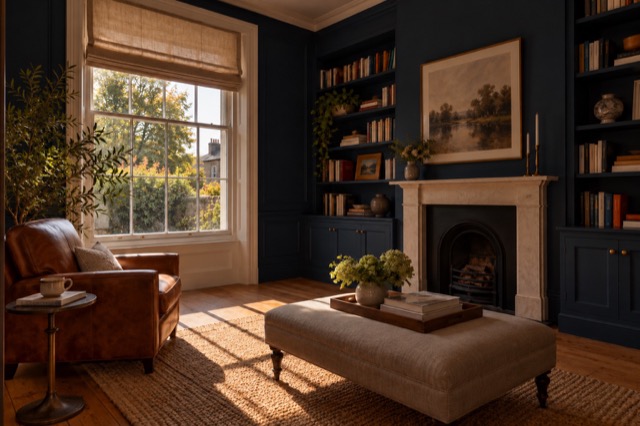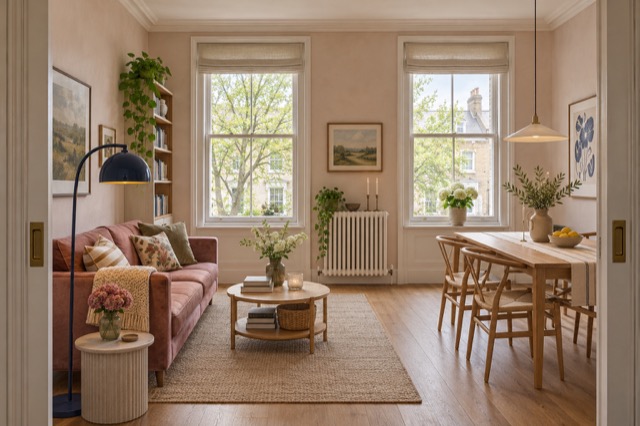
Aim to explain the room, not perfect it
Take a view that shows what the room is and how someone moves through it. Start at the doorway, then try a corner if it reveals more. The furniture does not need to be arranged like a magazine spread, and ordinary household items do not need to stop you taking the frame.
This is where capture and presentation become different jobs. You capture the actual space; ShootEstate helps prepare the image. Tidy & polish can retain suitable furniture while addressing everyday mess and lighting, while virtual staging can illustrate a different furniture arrangement when that is what the room needs.
A considered angle starts at the doorway
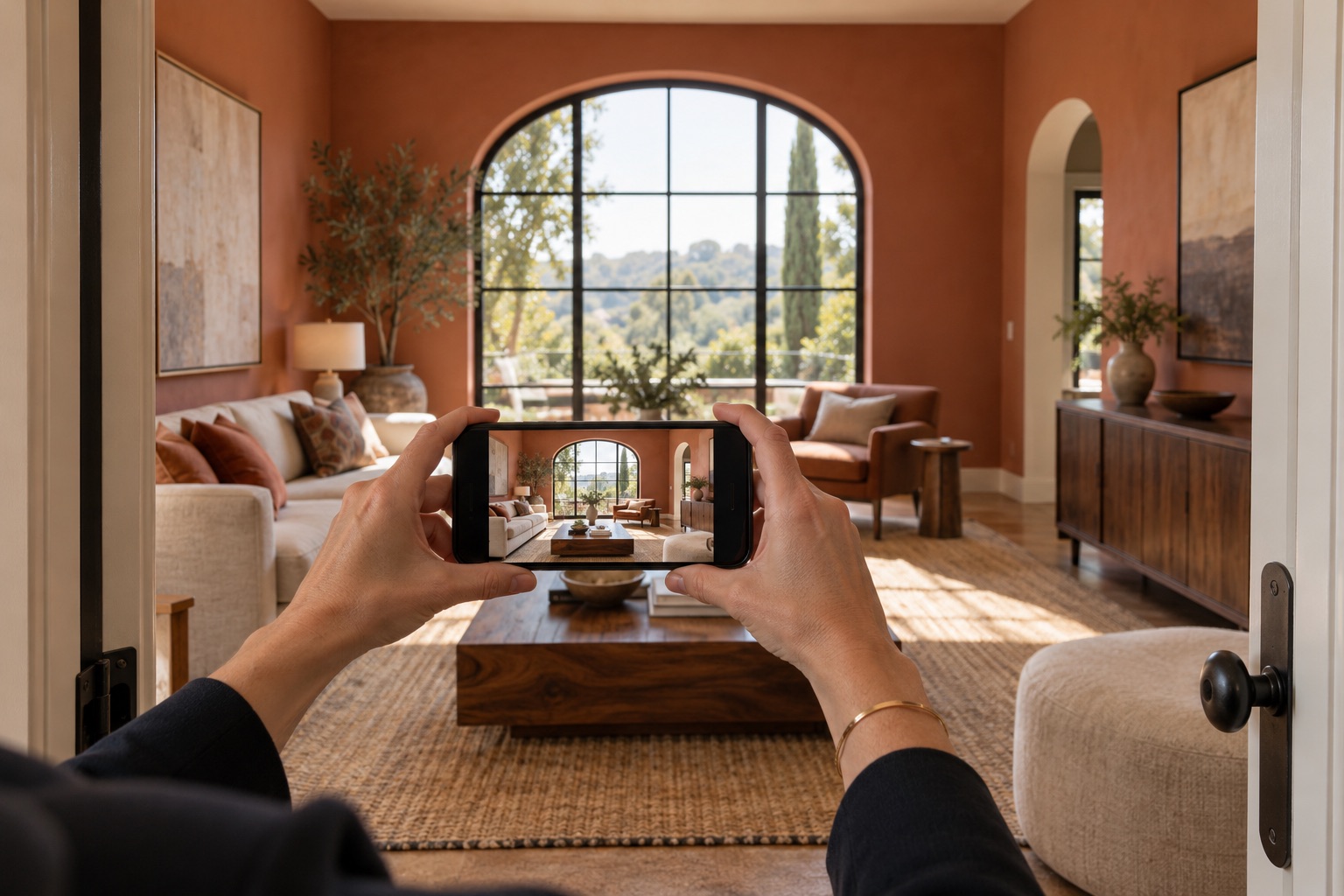
Keep the phone steady and the walls believable
Hold the phone level and use door frames or window edges to check the view. Move your feet before reaching for the widest lens setting. A clear, natural-looking frame makes the room easier to understand and gives you a straightforward original against which to review an edited version.
You do not need a perfect camera technique. Look for obvious blur, a finger near the lens or an important feature cut out of the shot. Taking another frame while you are there is simple; an editor cannot photograph a room or viewpoint you never captured.
Try two positions before choosing the frame
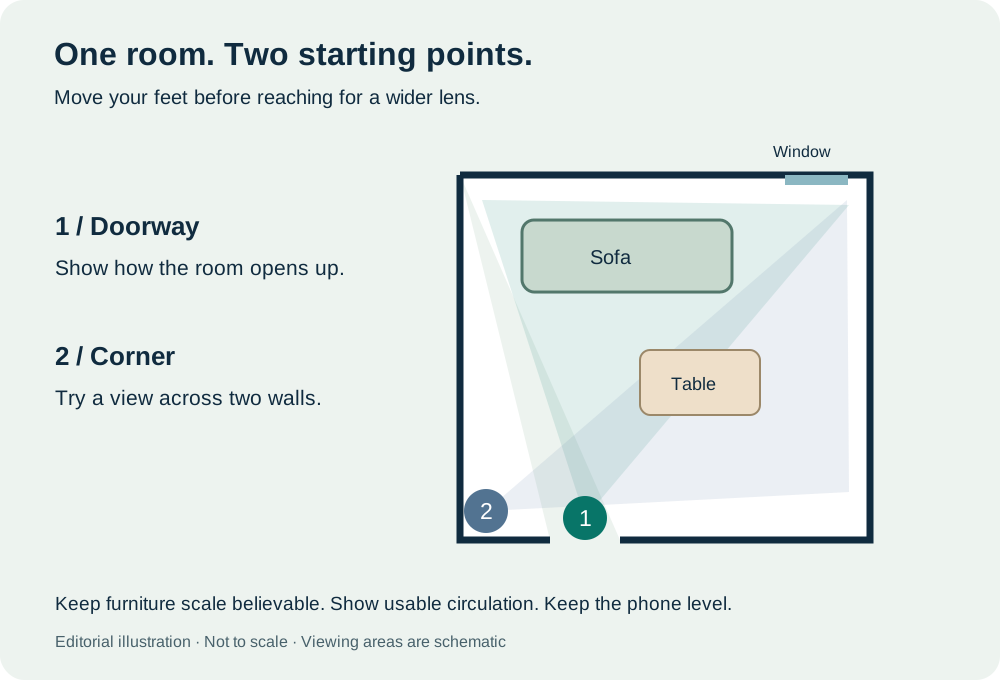
- Start at the doorway to show how the room opens up.
- Try a corner to show two walls. Compare scale and circulation in the actual room.
Leave the styling decision until you see the photos
A furnished room might benefit from Tidy: balanced light, tidier bedding and removal of loose household clutter without replacing the furniture. Another room may need virtual staging to introduce seating, restyle existing pieces or give an empty space a clearer purpose. Make that decision from the uploaded photographs.
You can use both approaches within one listing. This takes the pressure off deciding everything at the property and arranging every room before shooting. Spend your time finding a useful view, then use the studio to decide how each selected image should be presented.
Capture important views rather than trying to fix them later
If the property has an outlook worth showing, take a photograph in which that outlook is visible. You do not need to solve every lighting contrast during the visit: Tidy & polish is designed to improve exposure and colour. But a recorded view is different from an invented one.
If a bright window hides the outside detail, take another view that records it clearly. The same applies to built-in storage or an adjoining space. ShootEstate’s editing instructions preserve architecture and exterior views, so give those features an honest source photograph rather than expecting the tool to guess them.
Review the result rather than managing every cushion
After applying your chosen treatment, compare the original and edited image in ShootEstate. Check that the room still reads accurately, including its doors, windows and permanent fixtures. For a staged room, check furniture scale and walking routes. Keep the version you are comfortable using.
A written tweak can request a specific adjustment if a result needs another pass. It creates a new generation and uses another edit credit, so name the change you want. Reviewing and saving a choice do not use credits; there is no need to rush that decision.
Make a collection that is ready to share
Choose the views that explain the property, put them in a sensible order and select the strongest cover. Add the price, property facts and contact details in ShootEstate. Download the finished photos or publish a branded listing page from the reviewed collection, with staging labels where applicable.
This is the point of the phone-first approach: a short capture visit can lead into editing and presentation in one place. The helpful advice is about getting usable source photographs, not recreating all the physical preparation that photo cleanup and virtual staging can take off your hands.
Find your photo workflow
For Realtors · For Photographers
Explore Tidy & polish and virtual staging, or check current edit bundles.
Open your studio