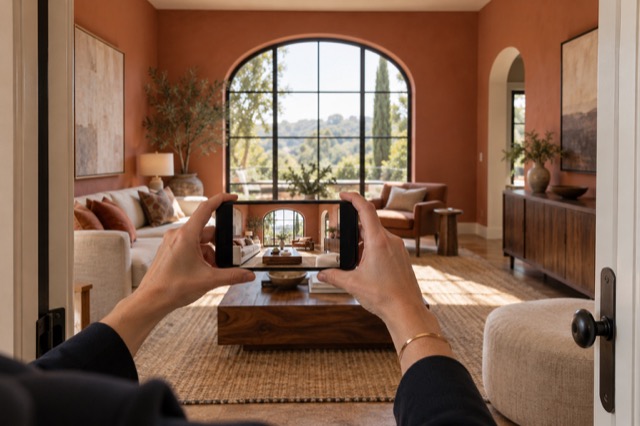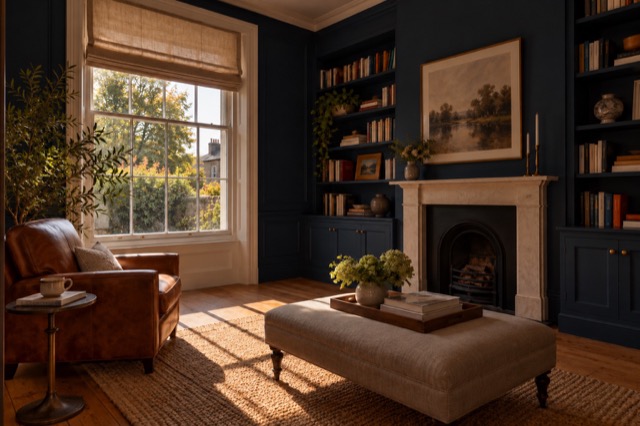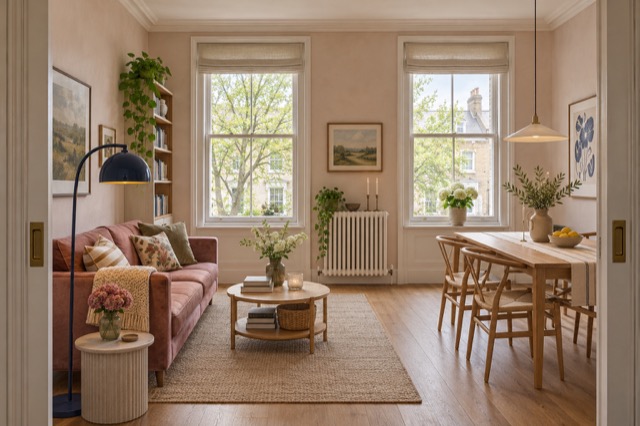
Start with a view that shows the usable space
Take a view that includes the room’s main furniture, doorway and circulation where possible. A normal, believable angle is more useful than a stretched frame that makes a narrow room look unusually wide. You can take a second view if it explains a different feature.
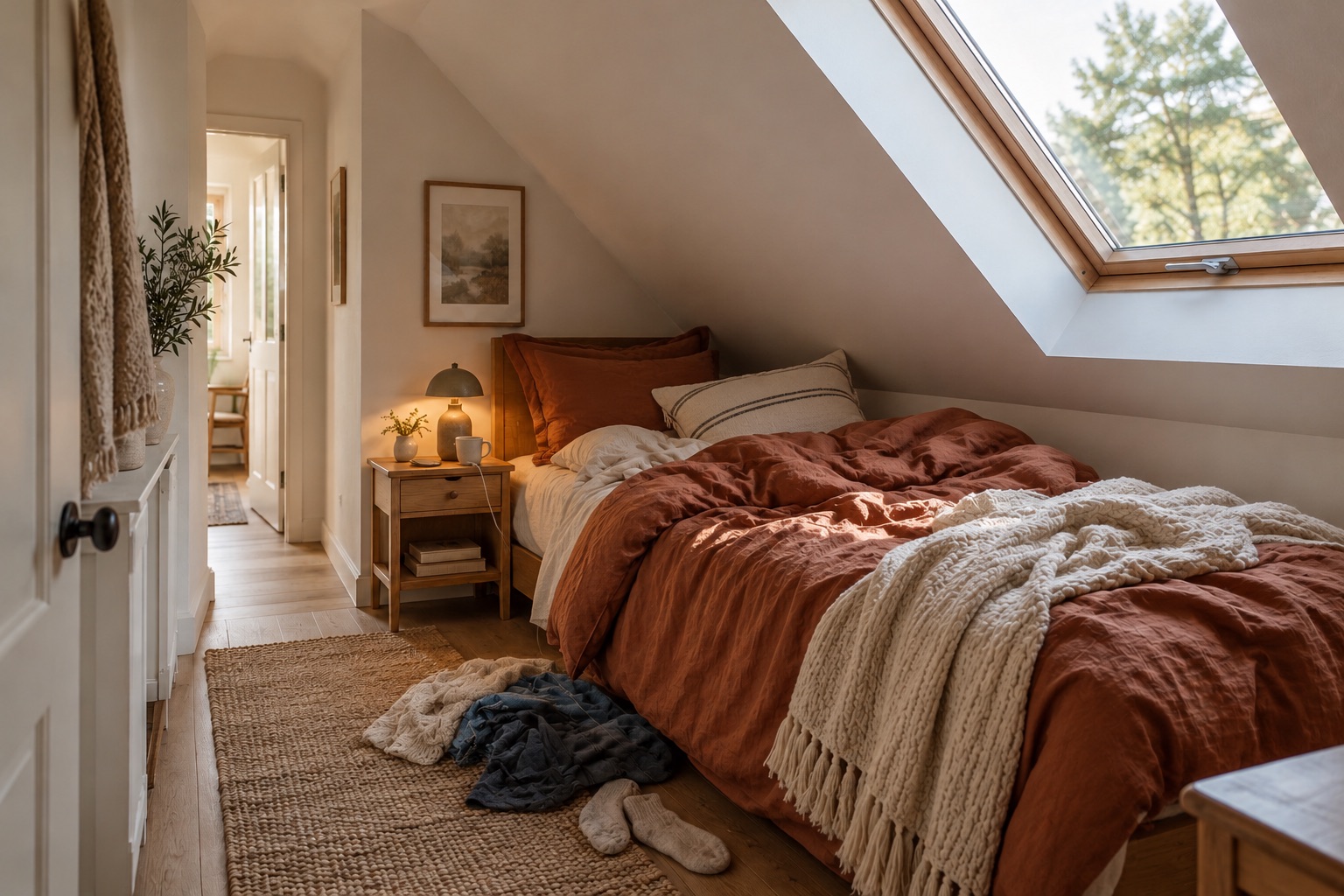
Leave the styling work for the edit. An unmade bed and household belongings can be addressed with Tidy & polish; they do not automatically make the room unsuitable to photograph.
Let Tidy straighten the presentation
For a furnished compact bedroom, Tidy can arrange loose bedding, address laundry and other everyday clutter, and improve lighting and colour while retaining the existing furniture. That lets the room’s purpose come through without a physical styling session first.
Compare the original and generated image in ShootEstate. Check the bed, door and roof lines, and choose the version that describes the room accurately. The treatment should improve the photograph’s presentation rather than imply extra floor space.
The same bedroom. A tidier presentation.
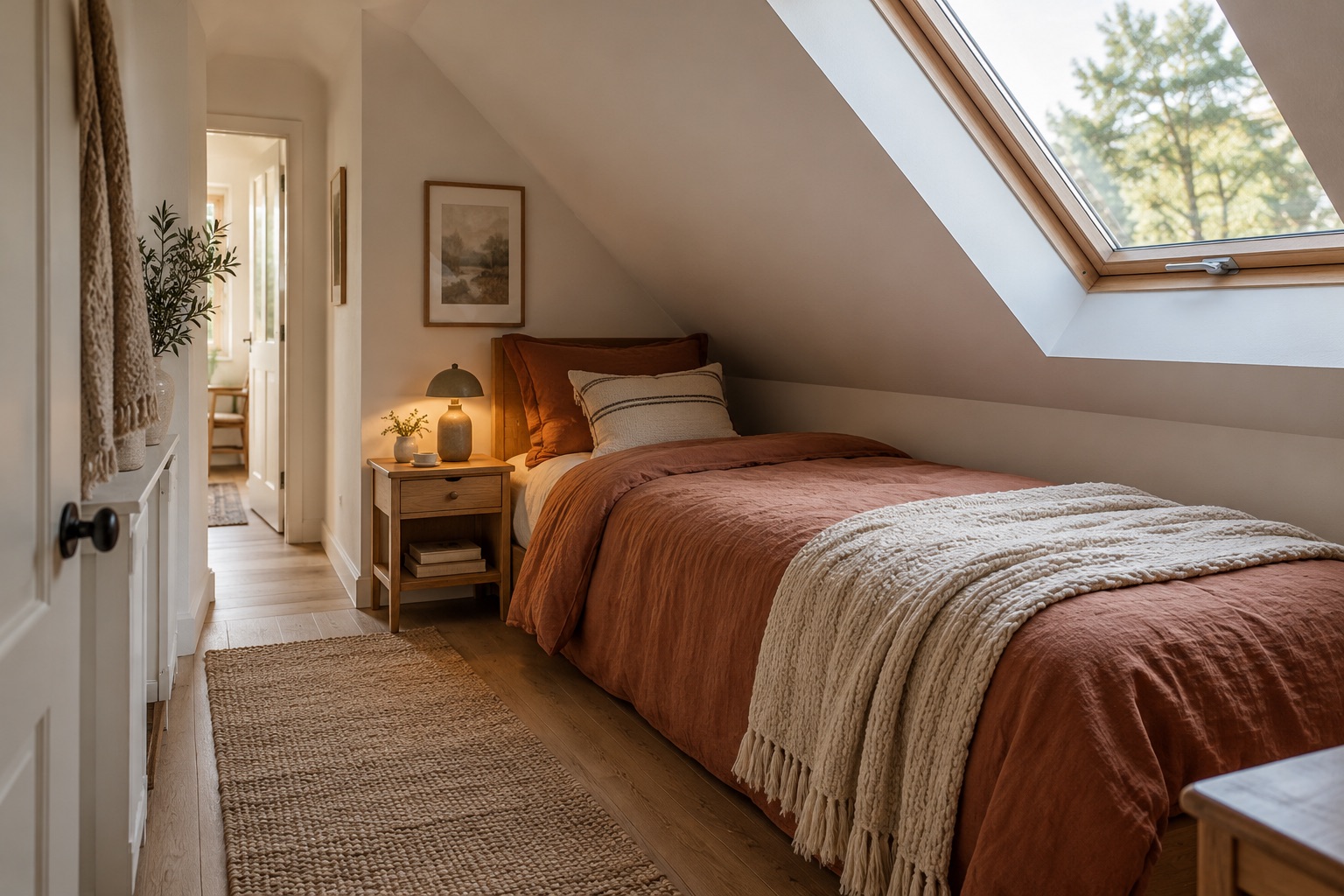
Use staging to explain an empty or awkward room
Virtual staging can introduce furniture and decor to suggest how an empty room might work. It can also restyle an existing arrangement. This can communicate a possible use without carrying a desk, chair or bed into the property for the shoot.
Check furniture scale and walking routes before selecting the image. Treat the arrangement as an illustration, and use verified property measurements for dimensions rather than inferring fit from an AI-generated furniture layout.
Include the room in a coherent collection
Save your chosen version, then use ShootEstate’s photo ordering and cover selection to place it in the listing story. Add accurate property details and download the collection or publish a branded page. Staged photos on published ShootEstate pages are labelled.
A compact room does not need to pretend to be large. It benefits from an image that makes its purpose and presentation easy to understand, with much of the tidying and styling handled after capture.
Find your photo workflow
For Realtors · For Photographers
Explore Tidy & polish and virtual staging, or check current edit bundles.
Open your studio