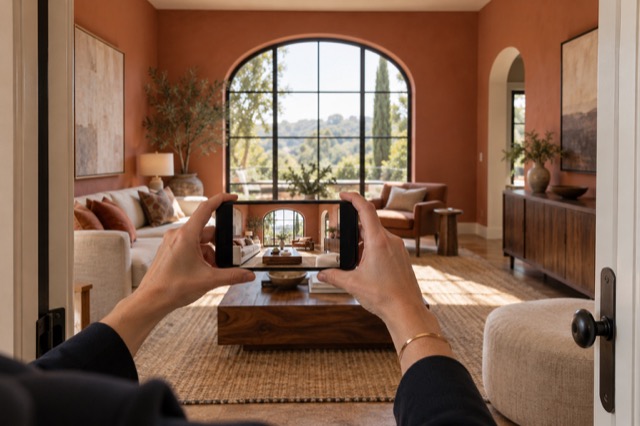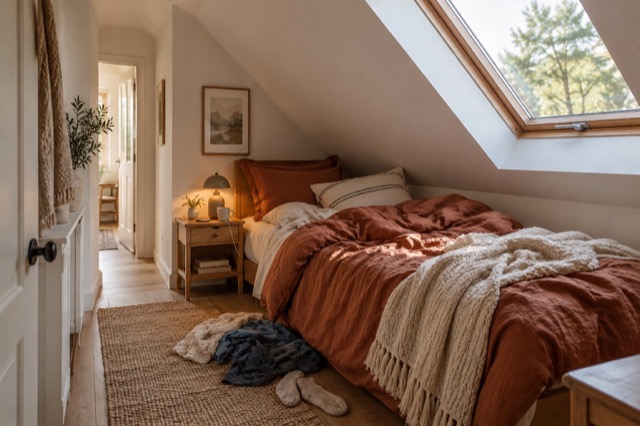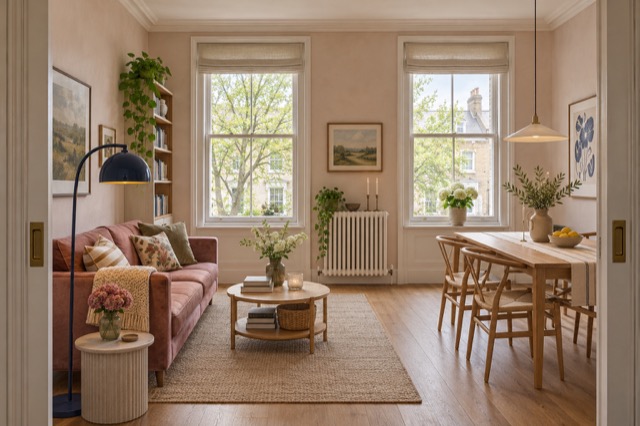
Capture the room rather than a perfect lighting setup
Choose a view that shows the room clearly and hold the phone steadily. Check that the important interior features are actually recorded. You can take a second frame if one position leaves a large area hidden or a bright window dominates the image.
You are collecting a usable source, not producing the finished listing photograph on the spot. Leave the bedding, household distractions and overall visual polish to the treatment where appropriate.
Use Tidy for light, colour and everyday presentation
Tidy & polish is directed to balance exposure and mixed white balance, lift shadows naturally and preserve available highlight detail. It also addresses loose household clutter and bedding while retaining existing furniture. Lighting does not have to be treated as a separate manual editing job.
Upload the image and compare the result in ShootEstate. Look at whether the room reads more clearly while materials, finishes and visible condition remain recognisable. Choose the version that works for the listing.
Better light and colour without changing the room
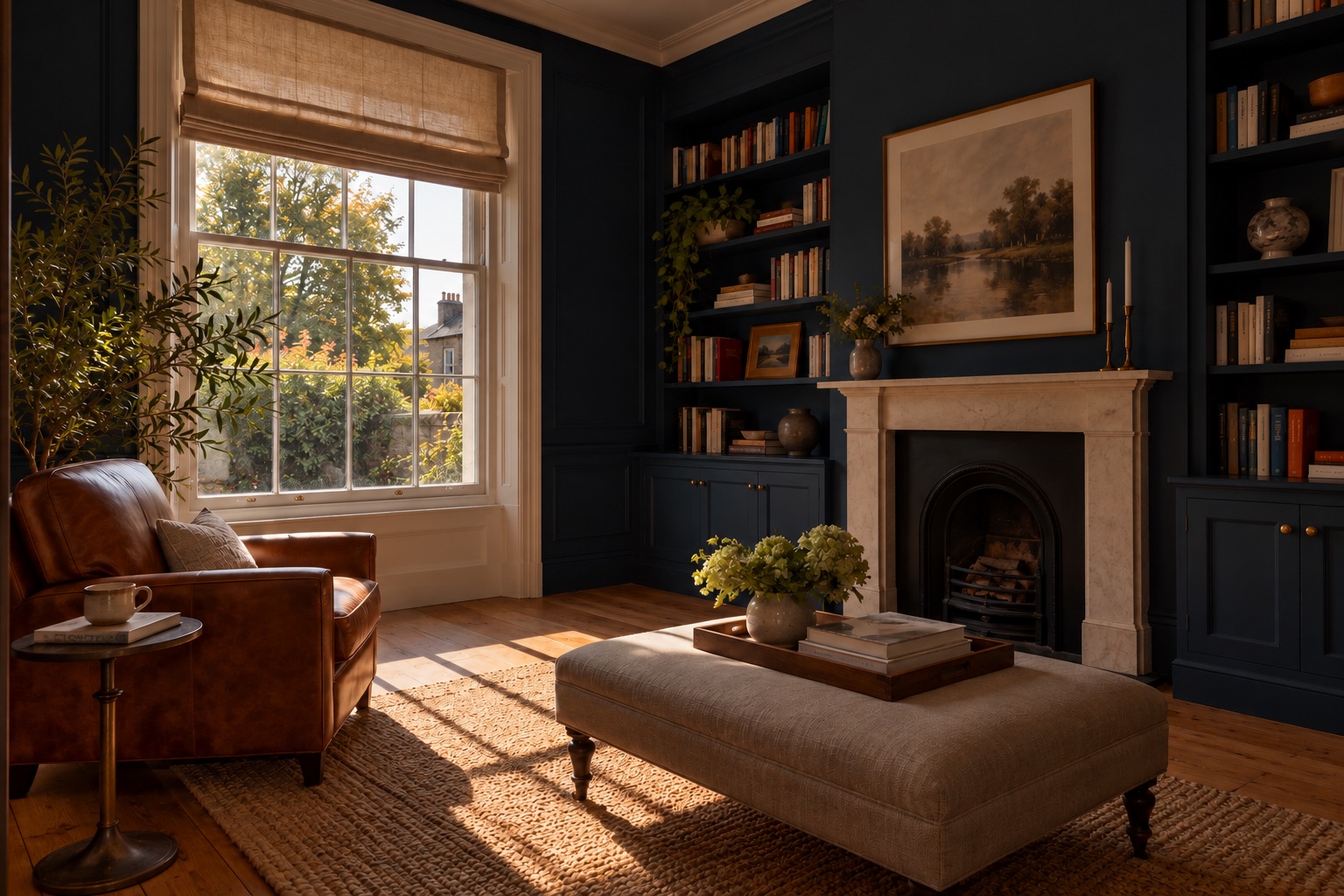
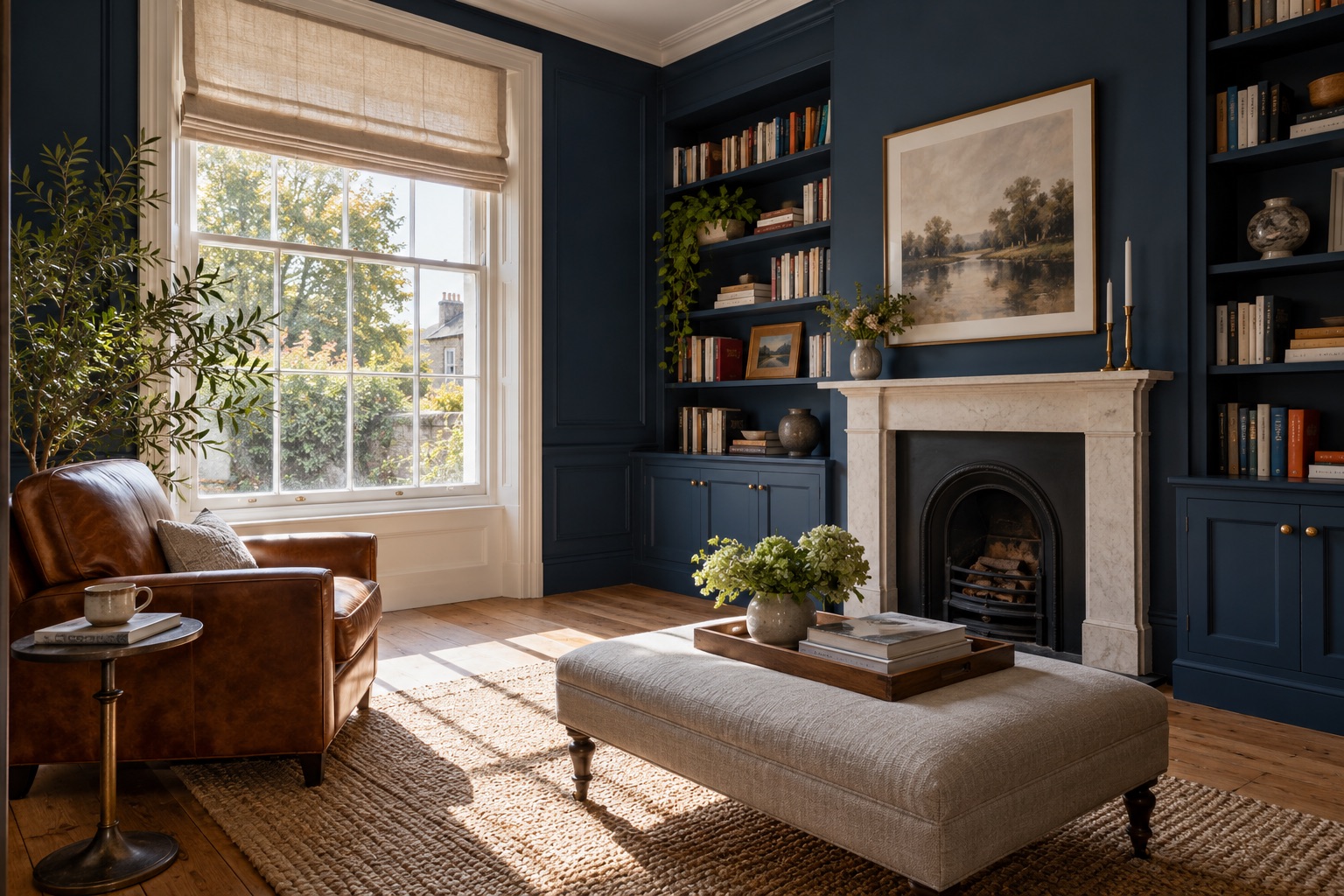
Keep important window views in the source
Improving recorded detail is different from inventing missing scenery. If a window view matters to the property, take a frame that records it clearly. The editing instructions preserve uncertainty where exterior detail is blown out or blurred rather than reconstructing a fictional view.
That is one capture decision worth making while you are there. It does not require a spotless room or a new furniture arrangement, just a photograph that contains the information you want buyers to see.
Finish the image in the same listing workflow
If the room also needs different furniture, virtual staging can combine natural light and colour improvements with a new arrangement. Use the treatment that addresses the full presentation problem, then compare the generated version against the source.
Save your choices, reorder the collection and download or publish from ShootEstate. A written tweak can request another specific adjustment; each new generation uses an edit credit, while comparison and selection do not.
Find your photo workflow
For Realtors · For Photographers
Explore Tidy & polish and virtual staging, or check current edit bundles.
Open your studio