Give the strongest room a better finish
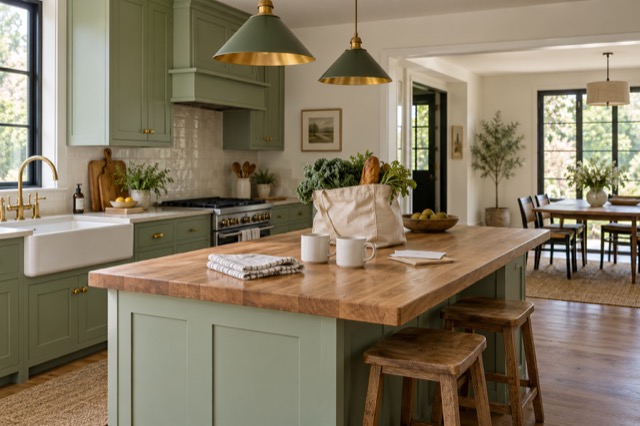
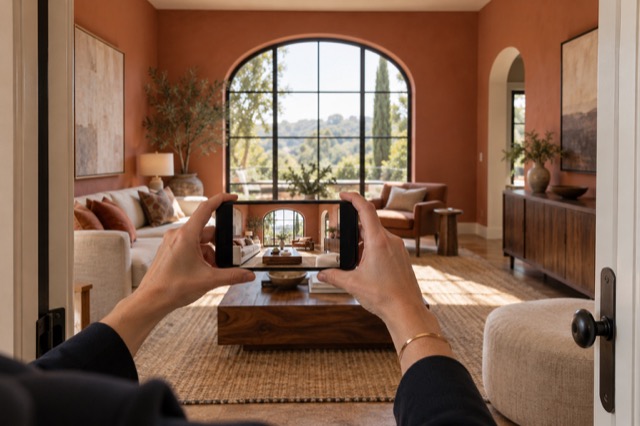
Look for a source photograph that clearly introduces a meaningful part of the home. A furnished living area may benefit from Tidy & polish: cleaner presentation, better light and colour, and everyday clutter addressed while retaining the furniture.
If its current furniture styling is the obstacle, virtual staging can restyle the arrangement digitally. You do not need to physically recreate the ideal cover photo before you take the source image.
Introduce the actual property
Choose the cover from reviewed results
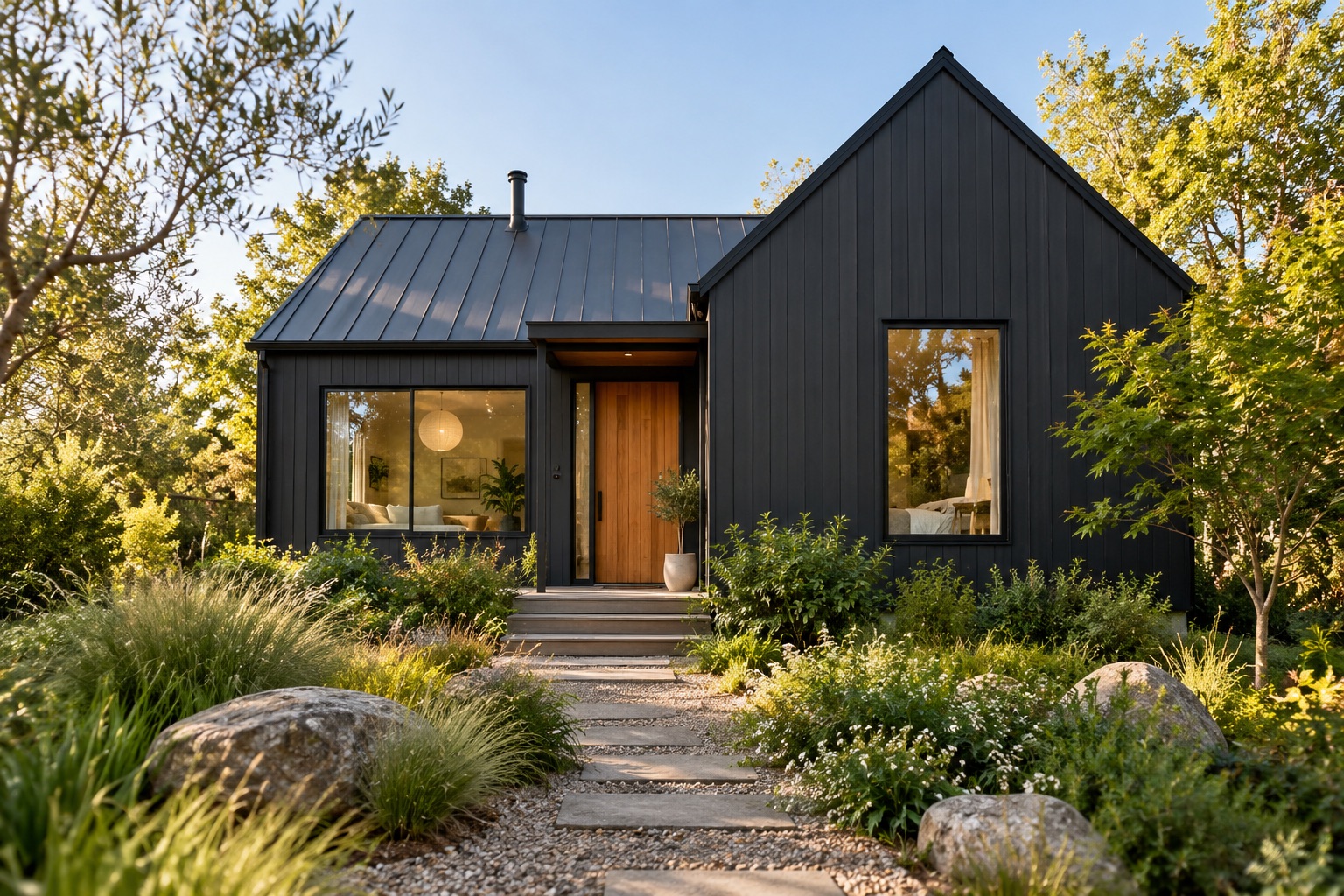
Compare candidate versions in ShootEstate and save the images you want to use. Check permanent features and visible condition, then choose the cover that represents the actual property clearly. A staged image should be identified as staged wherever it appears.
View the candidate small as well as full-size. Make sure the room or exterior remains understandable and important features are not lost in the crop. This is a selection task, not another cleaning or styling assignment.
For Airbnb and other short-term-rental hosts, a cover photo should show what guests can actually book: the current room, its real layout and the furnishings included in the stay. Lighting enhancement can help a clear source photo, but do not use a virtually furnished room to suggest amenities or furniture that guests will find on arrival.
Build the collection behind the first image
Use photo ordering in ShootEstate to follow the cover with views that explain the home. Show the principal living areas, kitchen and bedrooms in an order that makes sense. Keep additional angles when they add information rather than repeating the same view.
You can combine Tidy and virtually staged selections in one listing. Review the sequence for a coherent presentation, especially where multiple images show the same space.
Bring the cover and property facts together
Add the price, property details and contact information, then publish a branded ShootEstate listing page or download the selected photographs for other channels. Check the cover and image order again if another platform rearranges or crops them.
The goal is a clear first impression backed by a useful collection. ShootEstate handles much of the image presentation so you can concentrate on choosing the introduction that fits this property.
Find your photo workflow
For Realtors · For Photographers
Explore Tidy & polish and virtual staging, or check current edit bundles.
Open your studio