Choose the versions you actually want to show
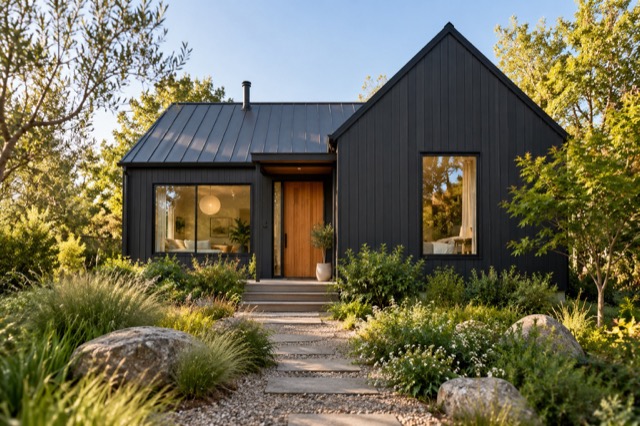
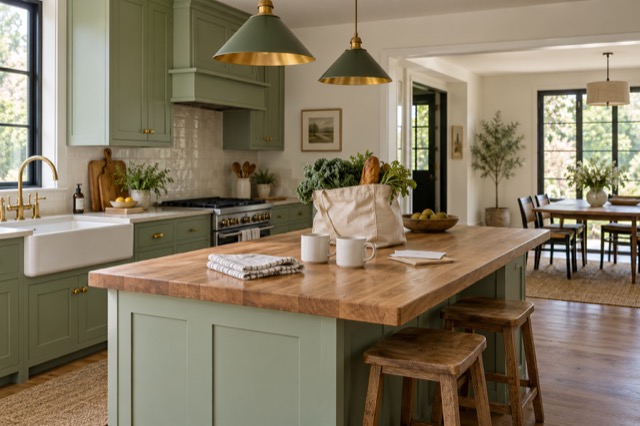
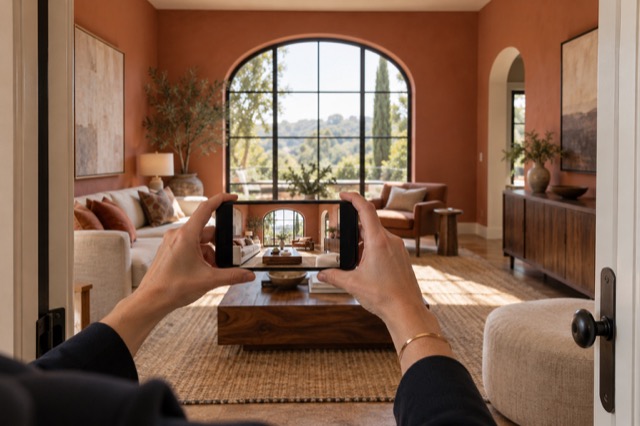
Use Tidy & polish for a cleaner, brighter presentation of the existing room, or virtual staging for a different furniture and decor arrangement. Compare results with their originals and save the photo choices that work for the listing.
You can leave much of the household tidying and styling to those treatments. The finishing step is choosing the result, not physically reproducing it in the home before publishing.
Finish with a deliberate review
Arrange a readable property story
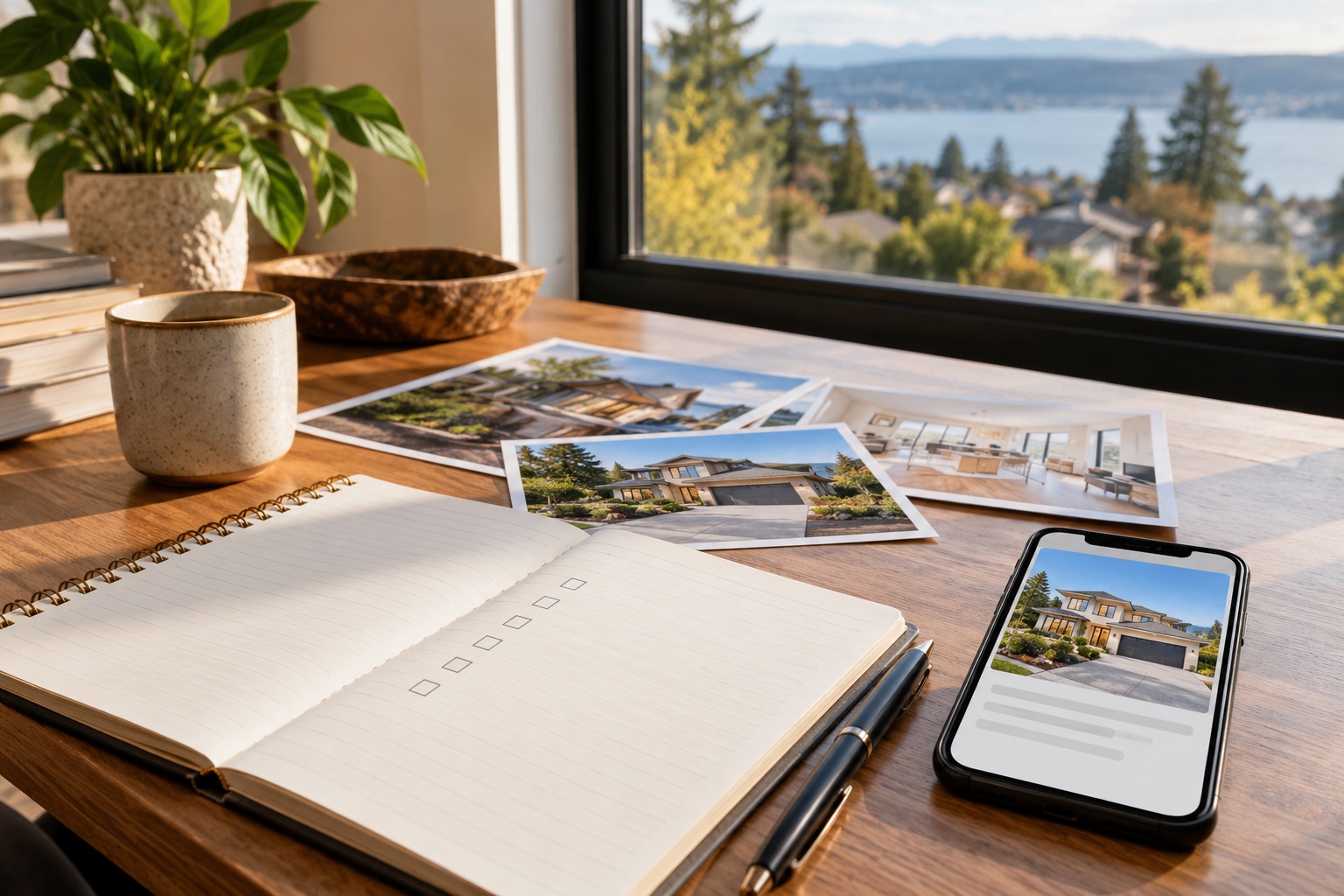
Reorder the selected photographs and choose a cover in ShootEstate. Show enough useful views to explain the property without crowding the start with near-duplicates. Review adjoining rooms and multiple staged views for consistency.
Add the headline, description, price and property facts from verified information. An imagined furniture arrangement is not a source for measurements or a reason to describe a feature the property does not have.
Put your business and contact details on the page
Add the business and contact information that should accompany the listing, then review the branded presentation. Make sure an enquiry will reach the intended person and that the published price and details are current.
ShootEstate labels staged photos on its published listing pages. Review those labels as part of the page rather than treating disclosure as a separate document to remember later.
Share the public page and keep your photos
Publish when you are ready, then open the public property link to confirm the result before sending it. Download your selected images for your own copies or other publishing channels, preserving staging disclosure at each destination.
Included hosting lasts 12 months from first publication; longer hosting is not included. Keep track of the listing’s status in your usual process. ShootEstate carries the photo presentation into a shareable page, while you keep control of the information and selected images.
Find your photo workflow
For Realtors · For Photographers
Explore Tidy & polish and virtual staging, or check current edit bundles.
Open your studio