Bring the room photos into the listing
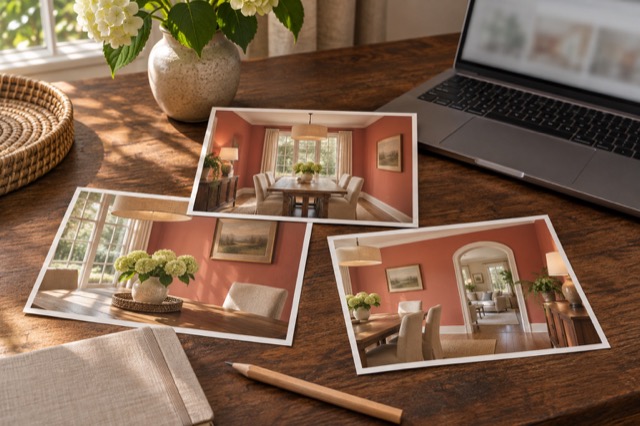
Upload your phone photos to ShootEstate and choose a treatment for the views that need it. Tidy & polish addresses everyday mess, bedding, exposure and colour while retaining existing furniture. Virtual staging can tidy and rethink the room’s movable furnishings and decor.
That lets you begin with the home as photographed rather than waiting for all the physical preparation to be finished. The work continues in the listing workspace after the capture visit.
Give the approved collection a clear home
Keep the selected version clear
Compare each generated result with its original and save the choice you want in the listing. If a detail needs changing, request a written tweak and review the new generation. Each generation uses an edit credit; reviewing and selecting do not.
Keeping a deliberate selection is easier to follow than a folder full of files called final. If other people need to approve the collection, coordinate that approval through your established team process; ShootEstate is not a photographer-booking or team-approval system.
Organize the presentation where the photos are
Reorder the chosen photos, select a cover and add the address, price, property facts and contact information. Check those details against verified listing information rather than inferring them from a staged image. Review the sequence as a buyer would encounter it.
The point is fewer disconnected steps between an edited photo and its eventual use. You can see the selected collection and the property presentation together before sharing.
Download or publish the finished listing
Download the selected photos if they are needed elsewhere, or publish a branded ShootEstate property page. Staged photographs on published pages carry a staging label. Included listing hosting lasts 12 months from first publication, so keep your own copies of the photos.
When handing files to another publisher, include which images are staged and which collection you selected. You have already used ShootEstate for cleanup, styling and organization; the handoff can focus on the finished choices.
Find your photo workflow
For Realtors · For Photographers
Explore Tidy & polish and virtual staging, or check current edit bundles.
Open your studio