Move more of the work after capture
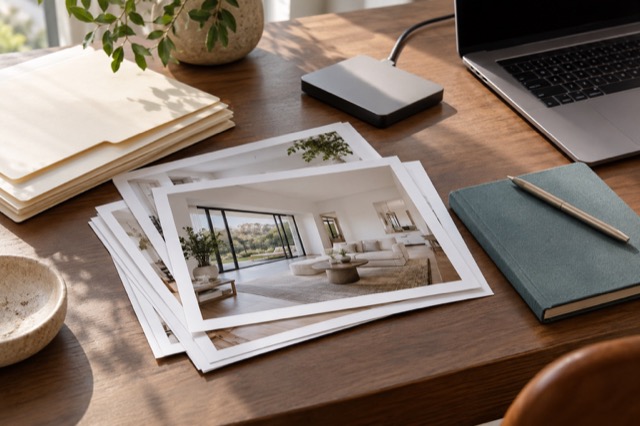
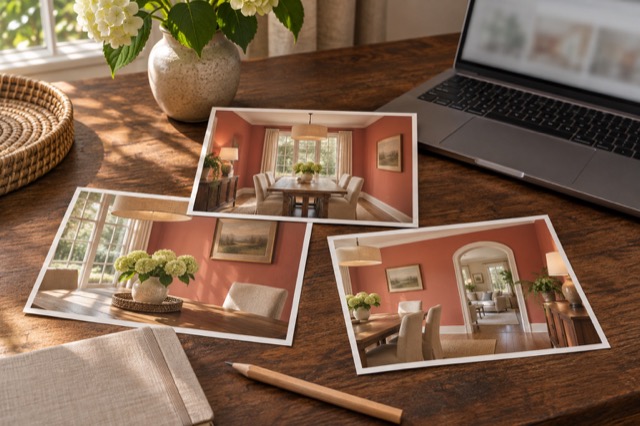
Take clear views of the property and upload them to your ShootEstate listing. A home does not need perfectly dressed beds or a showroom arrangement before you start. Tidy & polish addresses everyday mess, bedding, light and colour while retaining suitable furniture.
Virtual staging goes further when you want a different look: it can tidy the room and add or replace movable furniture, storage, art and decor. Both approaches let you work from the photographed home rather than first creating the physical set for the final image.
Match the capture method to the job
Keep capture simple and purposeful
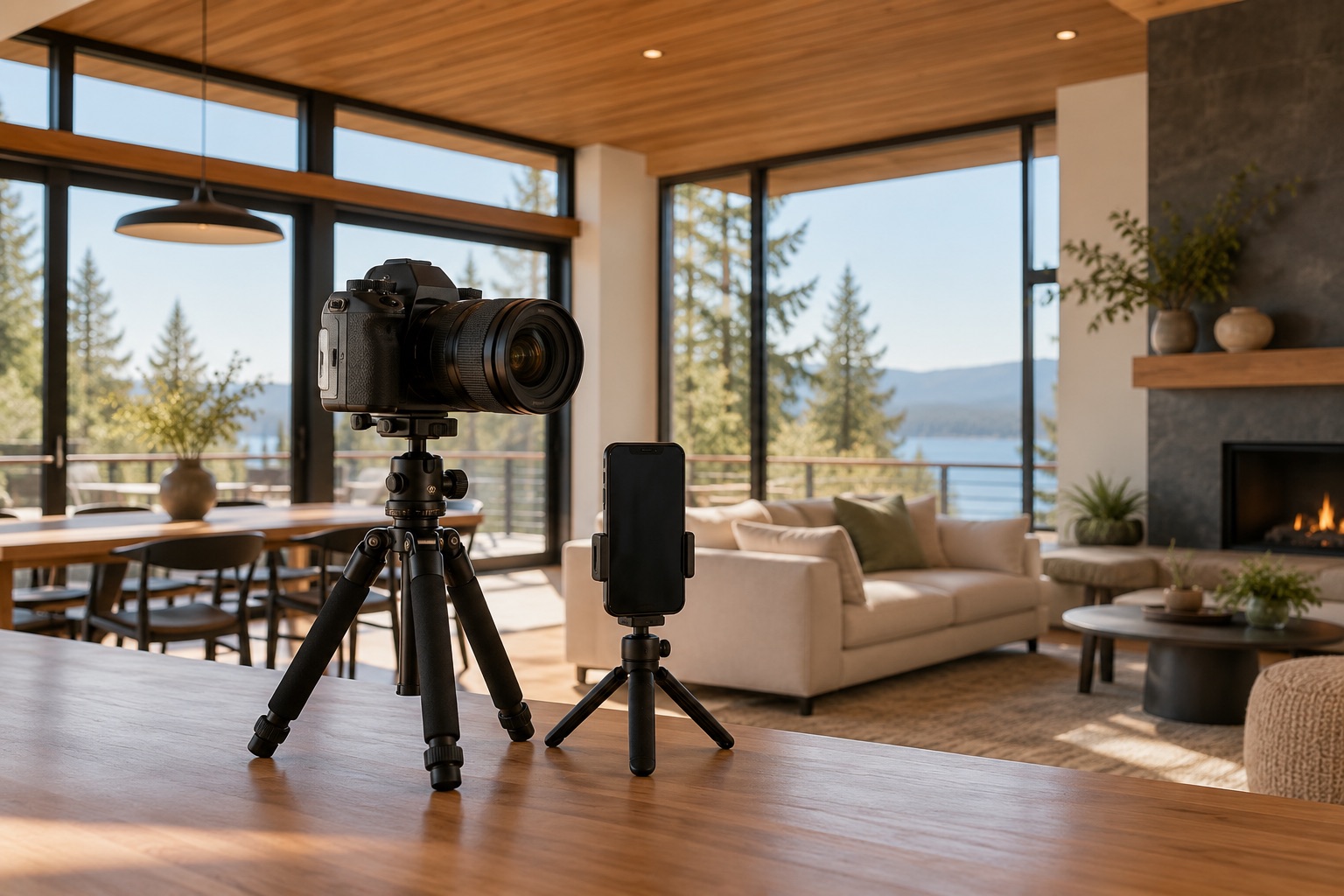
Hold the phone steadily, choose a useful angle and record the important room features and views. Check that your main photographs are not blurred before leaving. Remove sensitive documents before capture and keep access safe.
Those are the useful essentials. They do not amount to a whole-house styling checklist. The source image needs to show the actual space so you can use editing to prepare its presentation afterwards.
Choose extra help when the deliverable calls for it
A phone-first route is an option rather than a claim that specialist services have no purpose. If the job calls for capture work or deliverables you cannot produce, arrange that help through your own process. ShootEstate does not book or coordinate a photographer.
For photographs you bring into ShootEstate, you can still use cleanup, staging, review and selection. Match capture to the job, then avoid repeating physical preparation work that the photo treatment can take on.
Finish with a collection you have chosen
Compare original and generated versions, save the ones that represent the property well and arrange the photo sequence. Add verified property details and contact information, then download the selected images or publish a branded listing page.
Use clear disclosure for virtual staging and review permanent features before sharing. The practical advantage is the route from a usable phone photo to a considered listing presentation, with less dependence on a fully prepared room at the start.
Find your photo workflow
For Realtors · For Photographers
Explore Tidy & polish and virtual staging, or check current edit bundles.
Open your studio