Keep the furniture with Tidy & polish
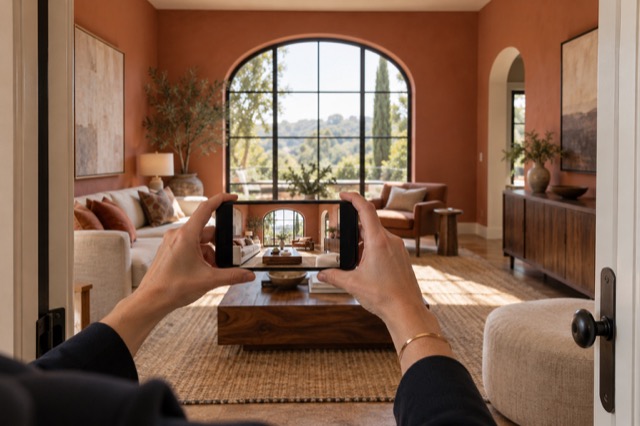
Choose Tidy when the existing furniture tells the right story and the room mainly needs a more considered presentation. It balances exposure and colour, tidies bedding and removes everyday loose items such as laundry, dishes, bags, mail and cables. It asks the AI to keep existing furniture and permanent features.
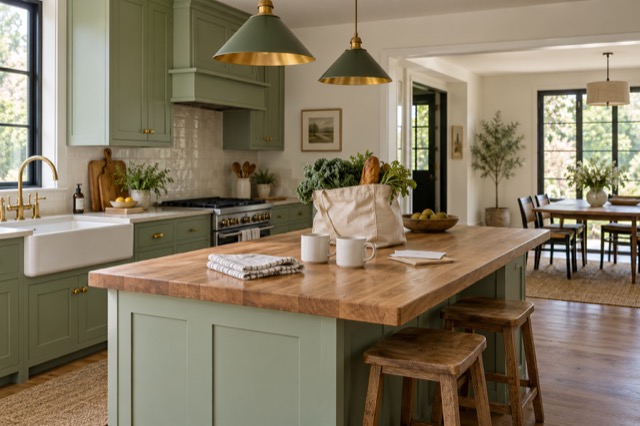
That means you can photograph a normal lived-in home without first treating every room as a styling project. A bedroom can keep its bed and furniture while the bedding is straightened in the image. A kitchen can keep its layout and furnishings while household distractions are addressed.
Change the styling with virtual staging
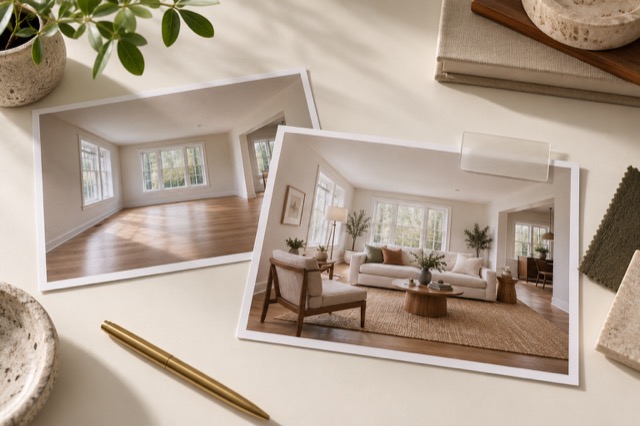
Choose virtual staging when the furniture itself needs a different direction, or when an empty room needs a way to communicate its use. The treatment first tidies the room, then can add or replace movable furniture and introduce coordinated storage, art and decor while improving light and colour.
You are illustrating a possible arrangement without booking a furniture delivery or moving the existing pieces for the photograph. It can be useful for a vacant property, but it is not limited to empty rooms. A furnished room can also be restyled into a more coherent presentation.
A different furniture story. No physical delivery.


Solve the room’s problem instead of following a rigid checklist
Start with the question that matters to the photo: do you want to keep this furniture, or show a different arrangement? A furnished kitchen may need Tidy, an empty bedroom may need staging and a living room may benefit from a fresh furniture style. Use the treatment that serves each view.
You do not need to empty the property or decide on one physical staging plan for the whole home. Review the photographs in ShootEstate and make choices room by room. This is where the workflow replaces much of the preparation and furniture shuffling that traditionally comes before photography.
Choose the treatment intentionally
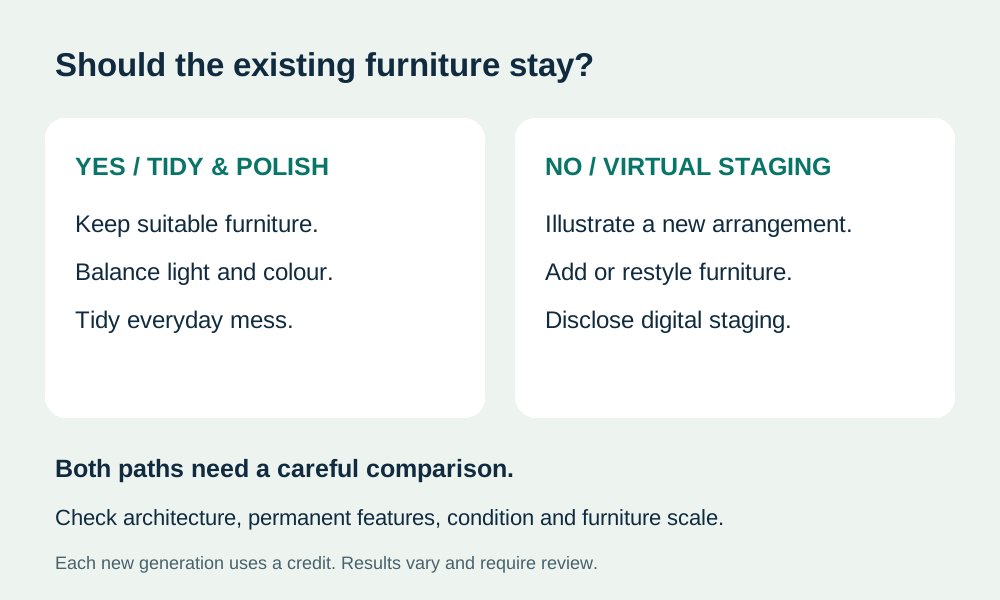
- Tidy & polish: retain suitable furniture and improve presentation.
- Virtual staging: illustrate an intentionally different furniture arrangement, then review and disclose.
Keep the house itself recognisable
Both treatments are directed to preserve room geometry, fixtures, permanent finishes, windows and outside views. They improve the presentation of the photograph rather than documenting a physical renovation. Visible property defects should remain visible, even when the surrounding room is being tidied or restyled.
Compare the result with the source before selecting it. With staging, check that furniture scale and circulation make sense and that adjacent views tell a coherent story. An inviting image still needs your approval; the fact that it looks finished does not by itself establish that every detail is right.
Vacation rental owners and property managers should distinguish an illustrative furnishing idea from the accommodation offered. For an occupied or furnished rental, start with Tidy and verify the result against the real room. If you show a virtually staged concept, label it clearly and also show the actual furnishings; never imply added furniture or amenities are included in a stay.
Refine the version you want to use
Sometimes the overall arrangement works but one detail needs a change. ShootEstate supports written refinements, so you can ask for a specific adjustment and review a new version. For a tidy-only image, refinements are constrained to that treatment rather than becoming an unannounced furniture restyle.
Every new generation uses another edit credit, including Tidy, staging and written tweaks. Comparing, choosing and saving a version do not. Use the review to decide whether the result is already suitable before generating again, and check the current pricing page for edit bundles.
Turn the chosen finish into the listing
Save the photo versions you want, reorder them and choose a cover. You can download the selected images or bring them together with property details and contact information on a branded ShootEstate listing page. Included hosting lasts 12 months from the first publication.
Virtually staged images are labelled on ShootEstate’s published listing pages. Carry clear disclosure into any other destination where you use downloaded images. You can save the physical staging work while still being clear with buyers about which furniture and decor exist only in the photograph.
Find your photo workflow
For Realtors · For Photographers
Explore Tidy & polish and virtual staging, or check current edit bundles.
Open your studio