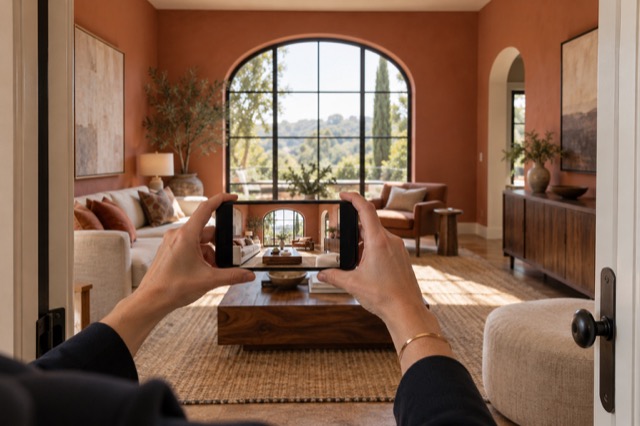
Ask the treatment to do the presentation work
Use Tidy & polish when the existing furniture should stay: the treatment addresses everyday clutter, bedding, light and colour. Use virtual staging when you want to add or restyle furniture, storage, art and decor as part of the room’s presentation.
These are choices you can make after upload. You do not need to make the property look like the final image before shooting, or physically move every item you would prefer not to see in the listing.
Make time for the second look
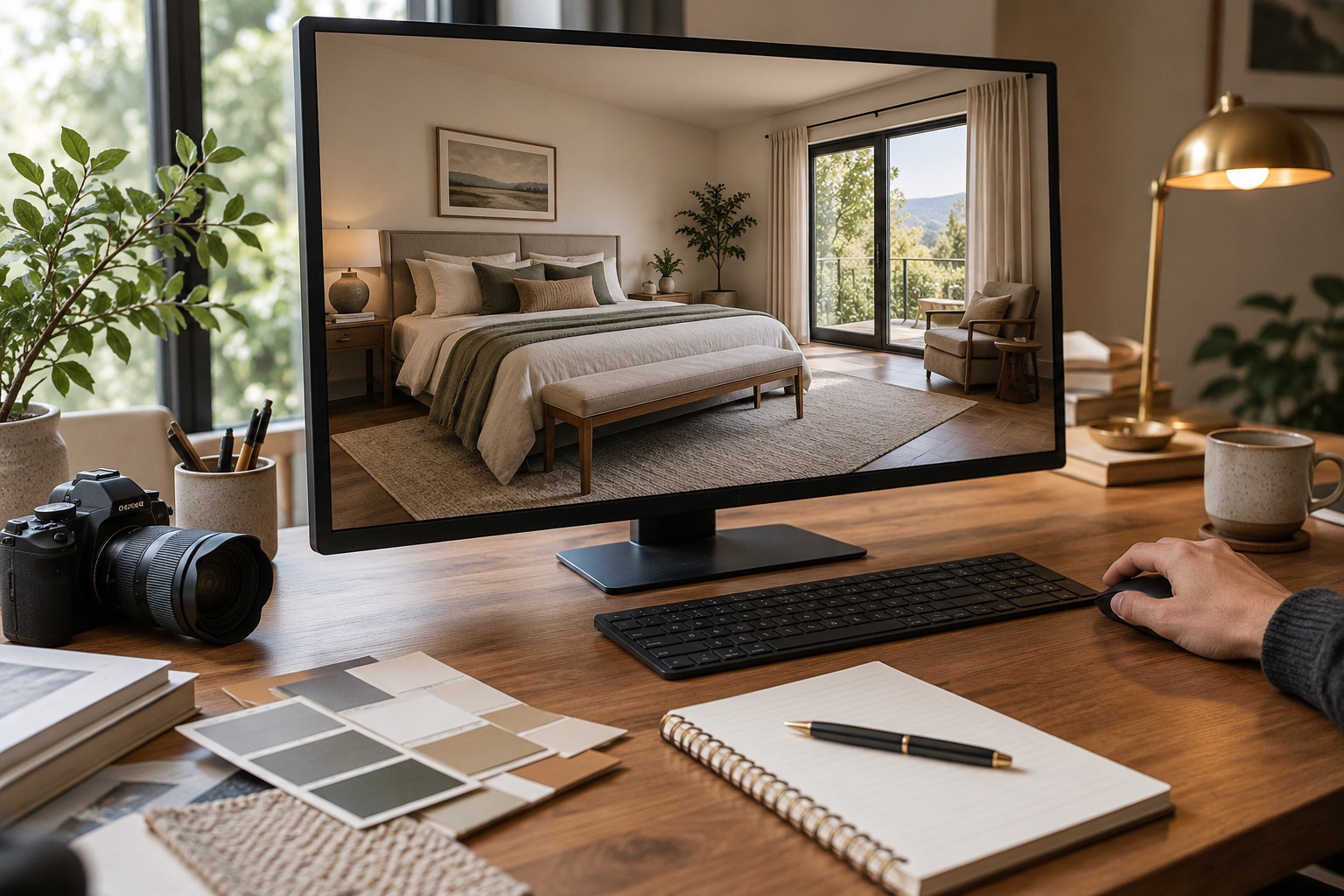
Review the house itself before styling details
Compare the original and generated version in ShootEstate. Check doors, windows, wall lines, fixtures and visible property condition. Then look at furniture scale, access and reflections. This review is about approving the result rather than recreating the work yourself.
Keep the original if an edited version does not represent the property accurately. A result can look attractive and still need a correction, so take a deliberate look before saving your choice.
Request the adjustment you actually want
If the overall result works but a detail needs changing, give a specific written direction. For staged images, a request such as removing pillows can refine an arrangement. A tidy-only refinement is constrained to its existing treatment rather than replacing the room’s furniture.
Every new generation uses an edit credit, including a written tweak. Simply comparing, selecting and saving a result do not. Review the version you have before requesting another one.
Choose once, then use the finished collection
Save the versions you want, reorder the photos and choose the cover in ShootEstate. Download the selected images or combine them with property details on a branded listing page. Review the collection together so adjoining rooms and different views tell a coherent story.
Keep clear staging disclosure when furniture has been digitally added or restyled. You can let the software do much of the presentation work while keeping the final decision about the photographs you publish.
Find your photo workflow
For Realtors · For Photographers
Explore Tidy & polish and virtual staging, or check current edit bundles.
Open your studio