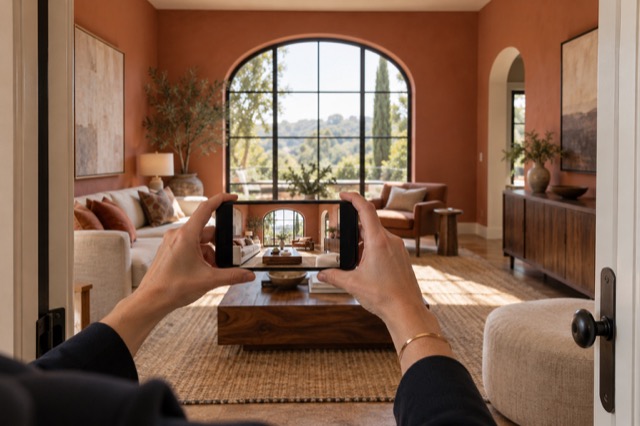
Show potential without moving physical furniture
Virtual staging first tidies the room, then can add or replace movable furniture and introduce coordinated decor, art and storage pieces. It also improves light and colour while being directed to retain the property’s architecture and permanent features.
That is useful when an existing arrangement distracts from the space, or an empty room leaves buyers guessing about its purpose. Start with the photo and explore the presentation digitally rather than arranging a physical staging delivery.
Keep the digital changes clear
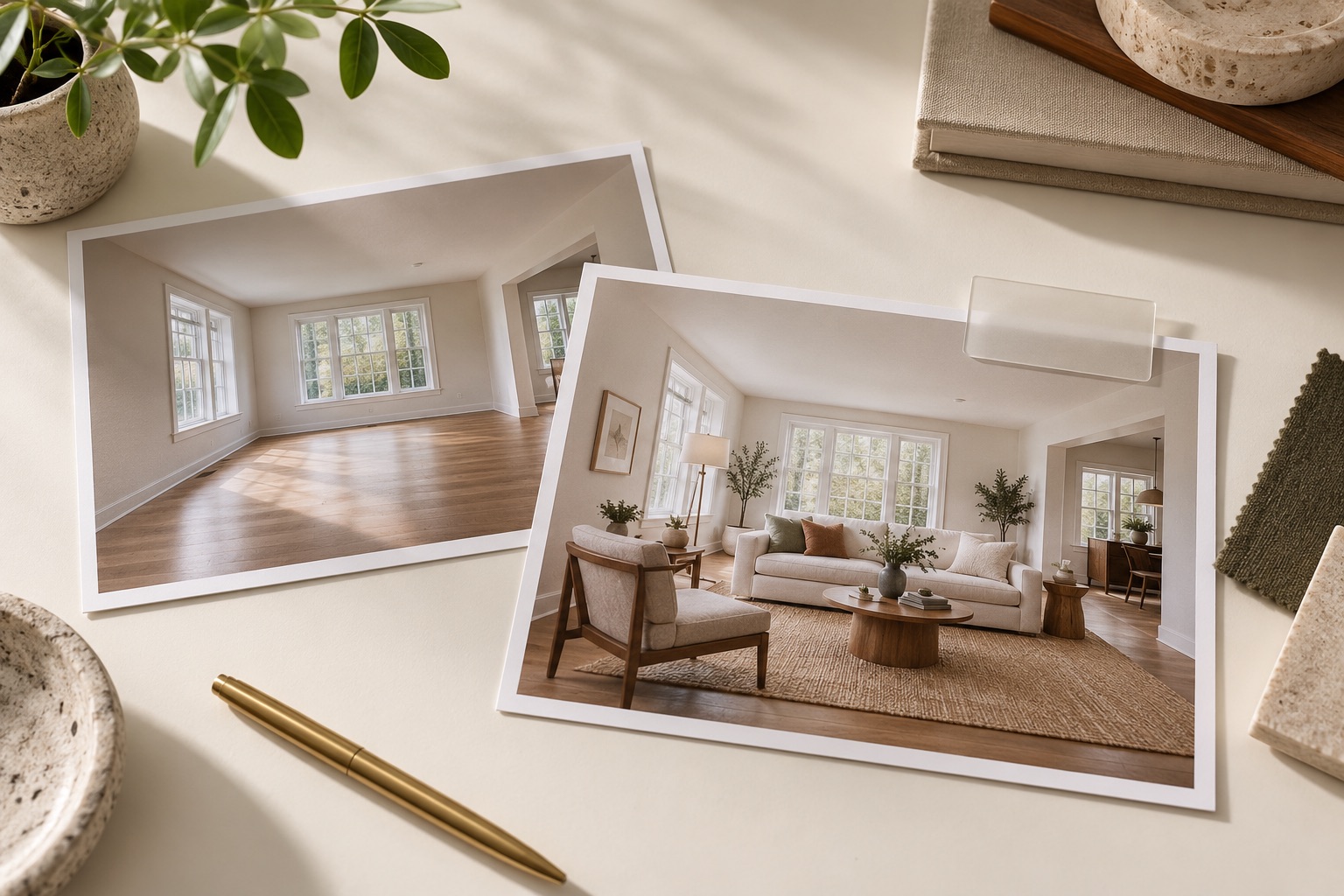
Choose an arrangement you can explain
Compare the generated version with the original in ShootEstate. Check doors, windows, fixtures and visible condition, along with furniture scale and circulation. The image illustrates a possible arrangement; it does not establish exact furniture fit or show a physical renovation.
If you want a specific adjustment, use a written tweak and review the new generation. Each generation uses an edit credit. Save the chosen version when it serves the listing.
Let the published page carry its staging label
ShootEstate labels staged photos on its published listing pages and includes a disclosure when staged images are present. Check those labels as you review the finished page. They help distinguish digitally furnished imagery from the home’s current physical contents.
When using downloaded images elsewhere, carry clear disclosure into that destination too. Confirm the current requirements of your listing service and brokerage rather than assuming that a label on one page travels automatically to every channel.
Keep the original with the selected result
Retain your source photographs and download the chosen images for your own records. If someone else publishes the collection, identify which images are staged and make the originals easy to retrieve. This is a short handoff rather than a second staging project.
The benefit remains substantial: you can present an imagined furniture treatment without moving physical pieces, while being straightforward about what changed in the photograph.
Find your photo workflow
For Realtors · For Photographers
Explore Tidy & polish and virtual staging, or check current edit bundles.
Open your studio